
Every driver checked, on schedule, with proof it was done.
If someone drives for your business, you should know their licence is valid - for HGV drivers, van drivers, company car drivers and staff using their own car. ExpiryEdge sets a recurring check per driver, asks the driver for their DVLA check code and licence photo by link, gives the checker a sign-off checklist and escalates checks that are not done.
Last updated · ExpiryEdge editorial team
For fleet managers, transport managers and HR teams
A recurring check per driver, set by risk
Check code and licence photo collected by link
Sign-off checklist for the person checking
Overdue checks escalate automatically
Quick answer
UK employers check driving licences with the driver's DVLA check code, which is valid for 21 days and can be used once. No law sets how often; RoSPA recommends at least once a year, more often for high-mileage or higher-risk drivers. ExpiryEdge schedules the check per driver, collects the check code and evidence by link, records who checked, the result and the date, and escalates when a check is overdue. It does not query the DVLA itself.
Why licence checks lapse
Checked once, at interview
The licence was seen when the driver started. Two years later nobody knows if points, a ban or an expired photocard have changed anything.
The check code expires first
A DVLA check code lasts 21 days and works once. Codes arrive by email at different times and many expire before anyone uses them.
Grey fleet sits outside the process
Staff who drive their own cars for work are rarely on the fleet list, so their licence, insurance and MOT are not checked again.
No record of who checked
A spreadsheet shows "checked: yes". It does not show who looked, what they saw or which categories and endorsements were on the record.
What UK employers check, and how often
There is no statutory check frequency in the UK. These are the rules and guidance that shape a sensible process.
| Item | Rule or guidance | Source |
|---|---|---|
| How to check | Driver generates a check code online; you view their record with the code and the last 8 characters of their licence number | gov.uk - check driving information |
| Check code validity | Valid for 21 days and can be used once | gov.uk - view or share licence |
| Frequency | No legal interval; RoSPA recommends at least annually, more often for high-mileage drivers or those with points | RoSPA - Driving for work |
| Grey fleet | Check business-use insurance, MOT, tax and licence on appointment and regularly | HSE - road safety for employers |
| HGV and bus drivers | Group 2 licence renewed at 45 with a D4 medical, every 5 years to 65, then yearly | DVLA INF4D |
Scheduled, assigned, recorded, repeated
Each driver has a recurring check. The driver is asked for what the checker needs, the checker signs off, and the next check is set.
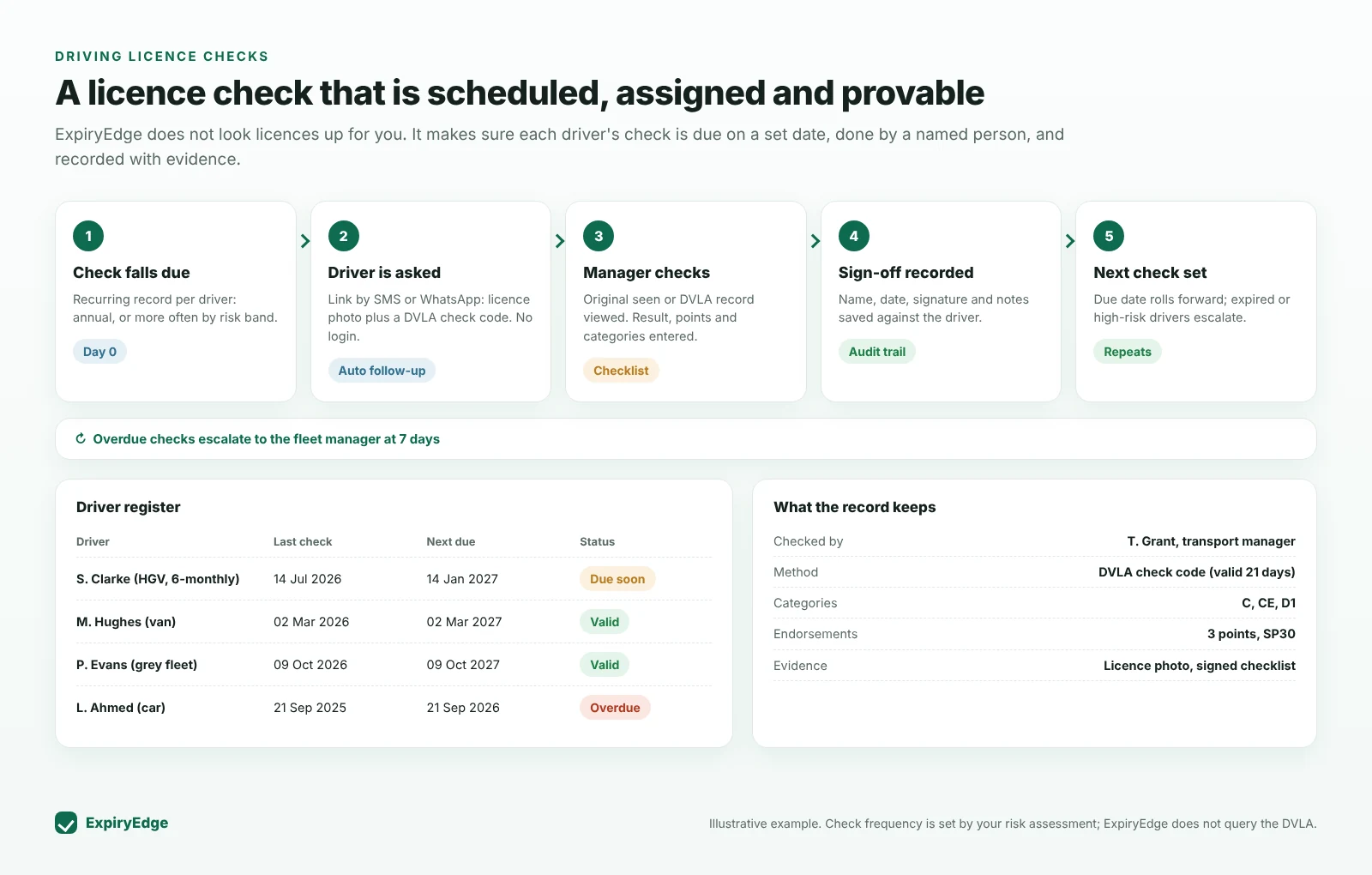
A licence check process that runs without reminders on sticky notes
A recurring check on every driver
Import your drivers and give each a licence-check record with the interval your policy sets - annually for most, every 6 months for HGV drivers or drivers with points. When a check is completed the next one is scheduled automatically.
Interval per driver or driver group
Next check rolls forward on completion
Licence expiry and D4 medical tracked too
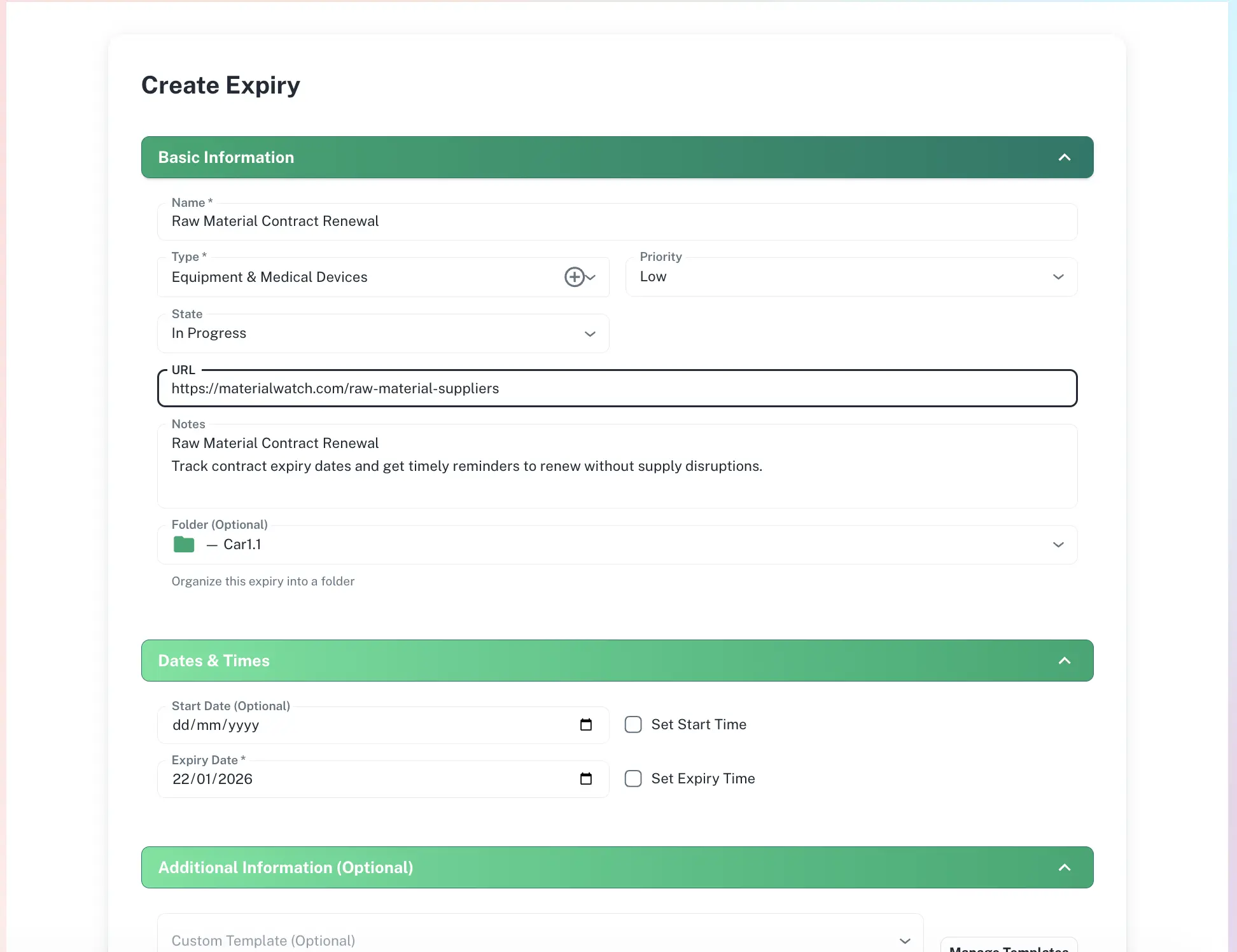
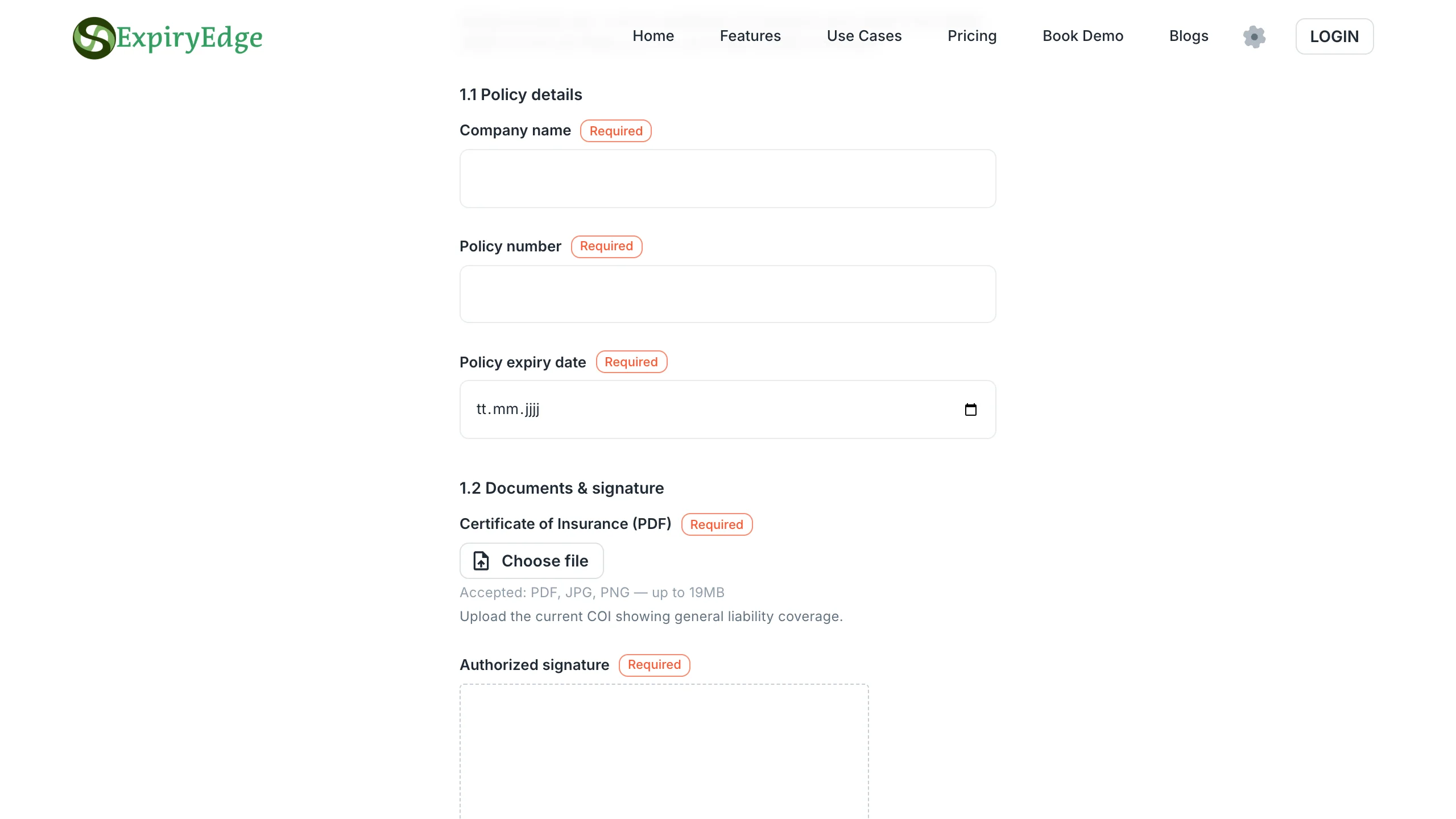
Check code and licence photo by link
When the check falls due, the driver gets a link by SMS or WhatsApp asking for a new DVLA check code and a photo of the licence. No account needed. ExpiryEdge follows up until it is in, so the code arrives when the checker is ready to use it.
No-login request link
Automatic follow-up
Reject a blurred photo and ask again
A sign-off checklist for the checker
The person checking works through a checklist: record viewed, categories, endorsements and points, expiry date, action needed. They sign and the result is timestamped against the driver. Points over your threshold can trigger a follow-up task.
Signature and timestamp per check
Categories, points and expiry recorded
Follow-up task for higher-risk results
Escalation and an audit trail
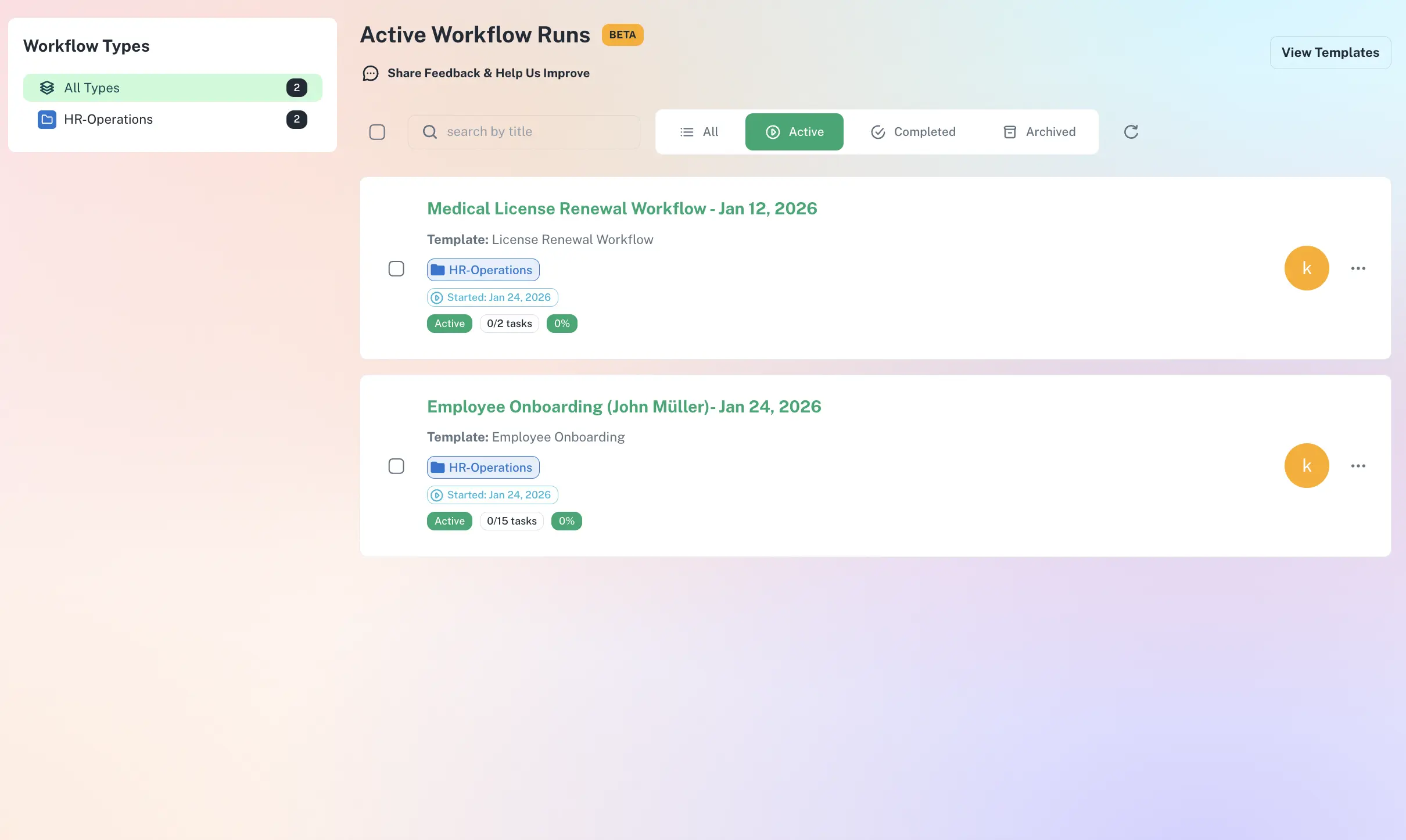
If a driver does not respond or a check is not completed, it escalates to the fleet manager. Every request, response and sign-off is logged, so you can show an insurer or investigator when each driver was last checked and by whom.
Escalation at the date you set
Full history per driver
Export as CSV, PDF or XLSX
No UK law sets a frequency. RoSPA recommends checking at least once a year, and more often for high-mileage drivers or those with points or a poor record. Many operators check HGV drivers every 6 months. Write the interval into your driving-for-work policy and apply it consistently; in ExpiryEdge you set it per driver or driver group.
The driver creates a check code on gov.uk and gives it to you. You enter it with the last 8 characters of their driving licence number to see their entitlements, endorsements and any disqualifications. The code is valid for 21 days and can be used once, so collect it close to when you will check. ExpiryEdge asks the driver for the code when the check falls due.
Yes. Health and safety duties cover driving for work in employees’ own vehicles. Check their licence, business-use insurance, MOT and tax when they start driving for you and at regular intervals afterwards. ExpiryEdge gives each grey fleet driver recurring records and collects the insurance certificate and MOT by upload link.
No. ExpiryEdge schedules the check, collects the check code and evidence from the driver, gives the checker a checklist and records the result. The DVLA lookup is made by your staff on gov.uk. If you use a licence-checking service, ExpiryEdge can hold the result and the next due date alongside the driver’s other records.
Who checked, when, how (check code or paper route), which categories the driver holds, any endorsements and points, the licence expiry date and what action followed. ExpiryEdge keeps these on the driver record with a timestamp and signature, plus the licence photo if you collect one.
Stop the driver from driving for work until the issue is understood, record what you found and act under your policy. ExpiryEdge can create a follow-up task assigned to the fleet manager with a due date. If a driver has already driven on an invalid licence, see our answer on what to do next.
Know every driver was checked, and when
Import drivers, set check intervals, send the first request. Free 14-day trial, no credit card.