
Annual Compliance, Run on Rhythm. Not on Memory.
Compliance is a year-round practice, but the work clusters into an annual cycle of filings, renewals, audits and reports - each with an action deadline well before its final deadline. The teams that stay clean run that cycle on rules and rhythm: a master calendar, named owners, staged reminders and proof of completion. ExpiryEdge gives you the system so the year does not depend on one person remembering.
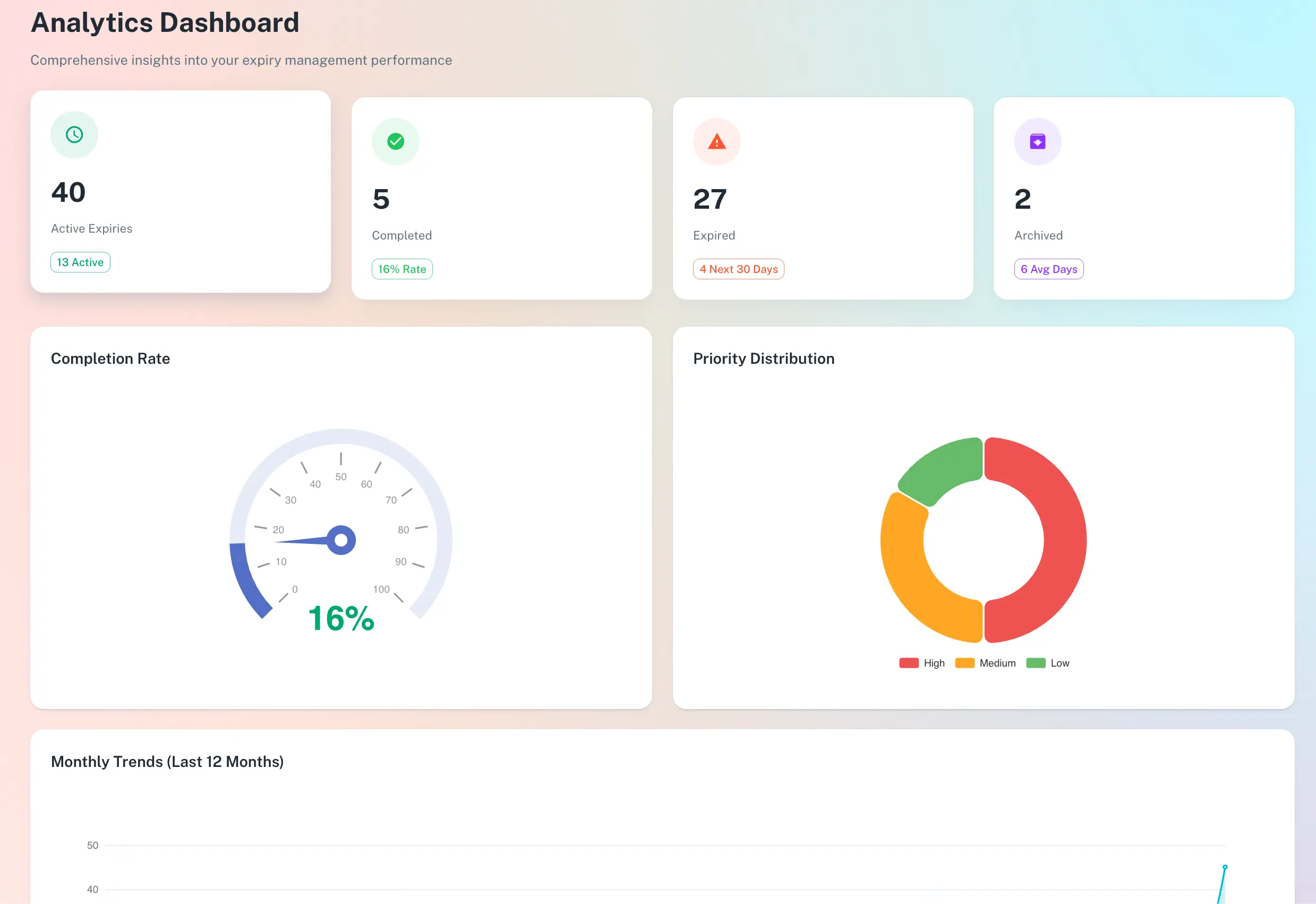
A repeatable system for every recurring filing and renewal
Master calendar of every annual obligation
A named owner and backup on every task
Staged reminders across email plus a second channel
Proof of completion and a full audit log
Quick answer
Annual compliance task management is the operating discipline of running recurring obligations - filings, renewals, audits, postings - on a fixed annual rhythm instead of from memory. ExpiryEdge runs that rhythm: it holds a master calendar of every obligation with its action and final deadlines, assigns a named owner and backup, fires staged multi-channel reminders, captures proof of completion, and keeps an audit log you can export.
The failure modes that quietly break a compliance calendar
None of these are dramatic on the day. They compound until an audit finds the gap.
No backup owner
The primary owner takes leave and six months of reminders die in one inbox. Tasks need a person and a backup, not a team.
Single-channel, single reminder
One email is easy to dismiss, and an owner who lives in Slack never sees it. Staged reminders on more than one channel survive a missed notification.
Mark-complete with no proof
A checkbox is not evidence. Without a required artifact - a certificate, confirmation number or signed report - the audit finds nothing to stand on.
The annual reset that never happens
When the year turns over, last year's tasks must clone forward. Manual systems forget, and the calendar drifts out of trust.
The playbook, built into the software
Every obligation runs the same loop, every year
Capture each obligation once - name, trigger, action deadline, final deadline, owner, backup and required documents. ExpiryEdge tracks it, alerts ahead of the action deadline, walks the renewal, and verifies completion before resetting for next year.
Action deadline, not just the final date
Owner plus a backup on every task
Automatic clone-forward each cycle
Reminders staged so dismissing one is not the end
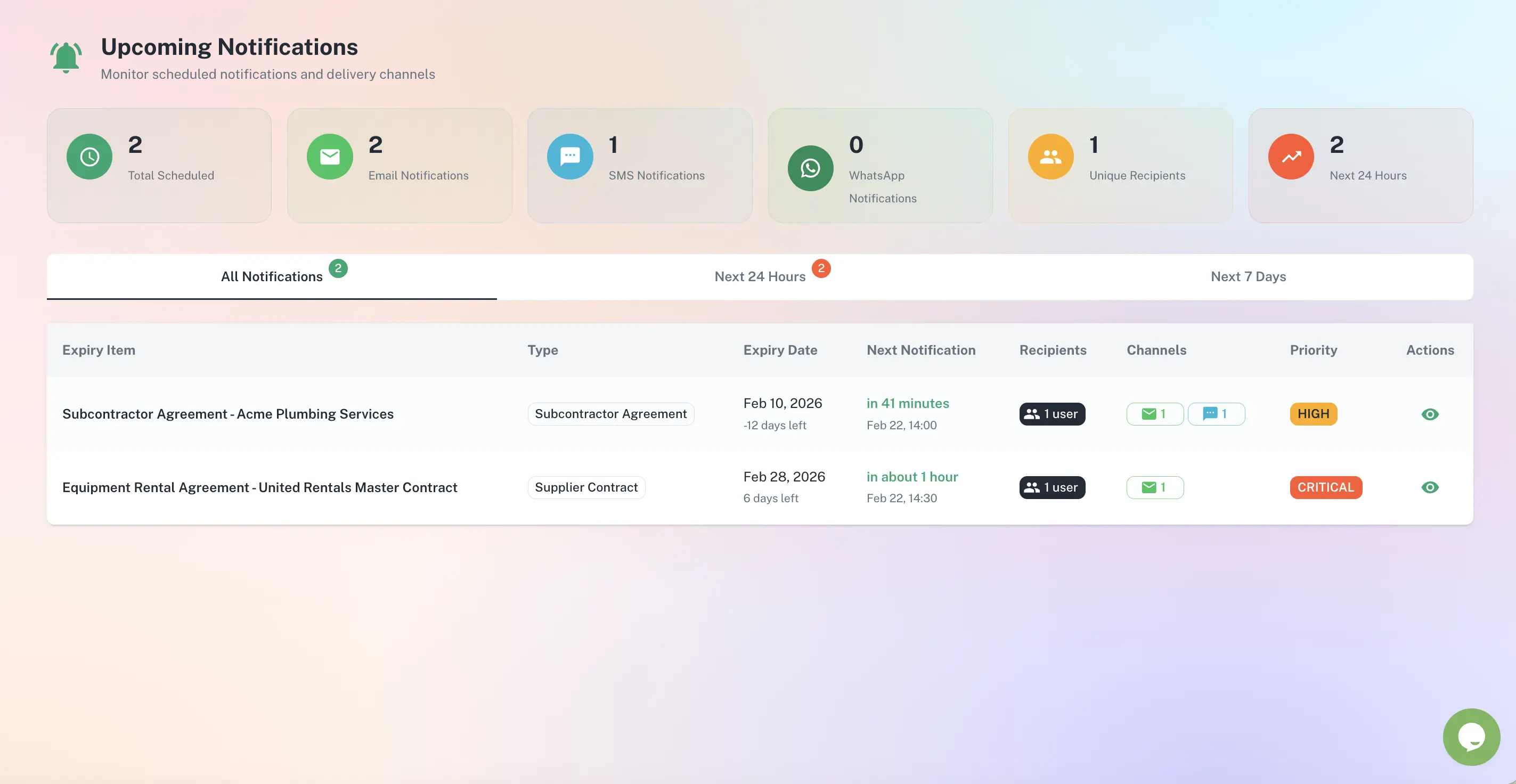
A single reminder is too easy to dismiss. ExpiryEdge fires a sequence - for document renewals a 60 / 30 / 15 / 5-day cadence works well - on email plus a second channel like Slack, Teams or SMS, and escalates to a backup or manager if nothing happens.
Multi-step sequences, not one alert
Email plus Slack, Teams, SMS or WhatsApp
Escalation to backup, then manager
A timestamped audit trail, not a tidy checkbox
Each completed task carries its artifact - the signed certificate, confirmation number or new licence PDF - logged with who closed it and when. Every action builds a dated trail you can export the moment an auditor, insurer or board asks.
Required artifact on completion
Who closed it, and when
Export to CSV, PDF or XLSX
The seven-step playbook, in order
Build your master compliance calendar
For each obligation capture name, source, trigger, action deadline, final deadline, owner, backup, documents required and the penalty for missing. Most teams find 20–40% more obligations on the second pass.
Convert deadlines into action plans
A deadline is a date; an action plan is a sequence of tasks. A July filing is really a six-step project starting in April. Larger assessments should begin many months before the assessment date.
Assign accountable owners
Every task needs a single named owner, not a team - teams are not accountable, people are. One primary, one backup, manager in the escalation path but not the owner.
Use staged reminders, not single ones
For document renewals, 60 / 30 / 15 / 5 days. For multi-step projects, a reminder at the start of each phase. For annual postings, 14 days before, day-of, and posting-window-end. Always email plus one other channel.
Capture proof of completion
A "mark complete" checkbox is not evidence. Require an uploaded artifact - signed certificate, confirmation number, photo of the posted notice, signed inspection report, or the new licence PDF.
Run a monthly compliance review
A 30-minute monthly check - completed tasks, the next 90 days, anything at risk, any regulatory change - prevents most annual disasters. The meeting is the heartbeat.
Pick software that supports the playbook
Spreadsheets work until you have 30+ obligations, multiple jurisdictions or staff turnover. Then you need central storage, multi-stage multi-channel reminders, owner plus backup, escalation logic and audit logs.
Built for the people who carry the calendar
Compliance / Operations Manager
Owns the master calendar and the monthly review. Needs every obligation, owner and proof in one place rather than scattered across spreadsheets and inboxes.
Finance / HR Lead
Owns specific recurring filings and postings. Needs staged reminders well before the action deadline and a clean record that each one was filed on time.
Director / Board
Carries the risk when an obligation is missed. Needs a roll-up of what is on track, at risk and overdue - and exportable proof when an auditor or insurer asks.
Year-round, organised around an annual rhythm. The work clusters in cycles - filings, renewals, audits, training, reports - but the operating discipline runs continuously. Treating compliance as an annual sprint instead of a continuous process is the most common cause of audit pain.
For document renewals, 60 / 30 / 15 / 5 days is a sensible default. For contract notice periods, 90 / 60 / 30 / 14 days before the notice deadline. For annual postings, 14 days before and day-of. The principle is to stage them so dismissing one alert is not the end of the line, and to deliver on email plus a second channel.
Three breakpoints. More than 30 obligations and spreadsheets get fragile. More than one jurisdiction and multi-state rules stop mapping cleanly to one calendar. More than one personnel change a year and handoffs start eating compliance. Hit any of those and dedicated software pays back fast.
Because the single most common failure is a primary owner going on leave while reminders pile up in one unwatched inbox. ExpiryEdge lets you set a primary and a backup on every task, with the manager in the escalation path - so a planned absence never silently takes a filing down with it.
Recurring obligations clone forward automatically when the cycle turns over, carrying their owners, reminder schedules and document requirements. You do not rebuild the calendar each January - last year's structure becomes this year's, and the audit trail continues unbroken.
Yes. Each task can require an uploaded artifact at completion and is logged with who closed it and when. You can export a full audit pack - tasks, completion history and attached documents - in one click, ready for an inspector, insurer or internal review without retroactive documentation.
Run the annual cycle on rhythm. Structure outlasts heroes.
Free to try. No credit card required.