
Multi-Channel Notifications
Deadline alerts via email, SMS, Slack, Microsoft Teams, and WhatsApp. Choose channels for notifications and keep your team informed.
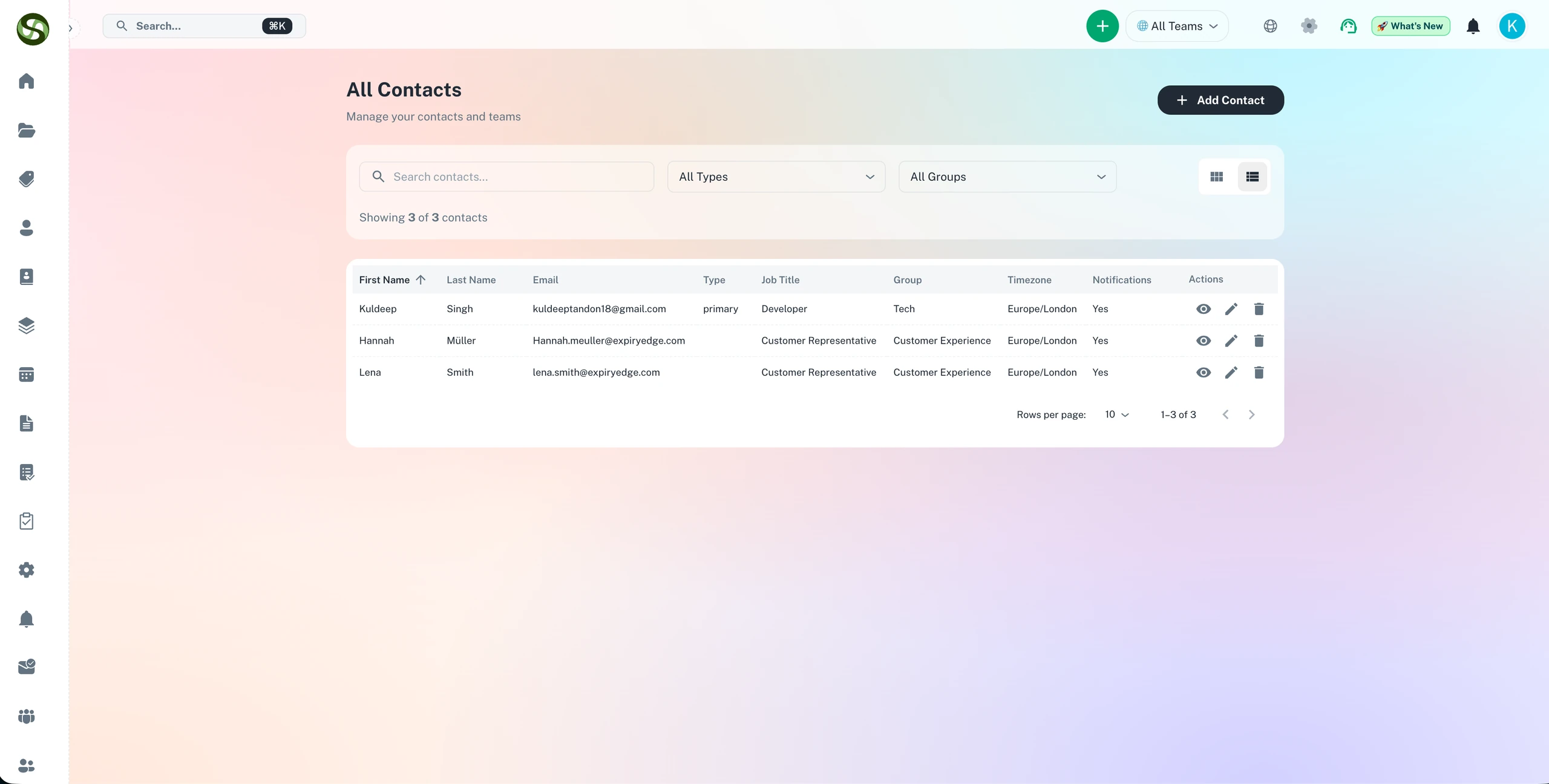
Send compliance alerts via email, SMS, Slack, WhatsApp, and Microsoft Teams
Email & SMS alerts
Slack & Teams notifications
WhatsApp Business alerts
Custom notification rules
Multi-Channel Notifications Features
Everything you need to streamline your workflow and boost productivity
Email Notifications
Professional email reminders with customizable templates. Include all deadline details, attached documents, and action links.
SMS Text Alerts
Instant text message notifications for urgent deadlines. Reach team members even when they're away from their desk.
Slack Integration
Send reminders directly to Slack channels or DMs. Keep your team informed where they already collaborate.
Microsoft Teams
Push notifications to Teams channels and individual chats. Seamless integration with your Microsoft ecosystem.
WhatsApp Business
Reach global teams with WhatsApp notifications. Perfect for international organizations and mobile-first teams.
Smart Routing Rules
Configure different notification channels based on urgency, deadline type, or team member preferences.
Why Use Multi-Channel Notifications?
Real benefits that drive measurable results for your business
Never Miss Critical Deadlines
Multiple notification channels ensure you're always informed, even if you miss one alert.
Reach Teams Where They Work
No need to check another app. Notifications arrive in the tools your team uses daily.
Customizable Alert Schedules
Set different notification timing for each channel. Email for early warnings, SMS for urgent alerts.
Reduce Alert Fatigue
Intelligent notification rules prevent spam while ensuring important alerts get through.
Who Uses Multi-Channel Notifications?
Designed for teams and businesses across industries
Urgent Compliance Deadlines
Send SMS alerts for critical compliance deadlines that require immediate action.
Team Collaboration
Keep entire teams informed via Slack or Teams channels for shared responsibilities.
Global Operations
Reach international team members via WhatsApp, the world's most popular messaging platform.
Mobile Workforce
SMS and WhatsApp ensure field teams get notifications without email access.
After-Hours Alerts
Configure escalation rules that try email first, then SMS if no response.
Approval Workflows
Send approval requests via multiple channels for faster response times.
Frequently Asked Questions
Everything you need to know. Can't find the answer? Reach out to our support team.
ExpiryEdge supports six notification channels: branded email, SMS (global delivery to any phone number), WhatsApp Business, Slack, Microsoft Teams, and API/webhooks for custom integrations. Each compliance reminder can be configured to use one or multiple channels, with different channels for different recipients or different stages of the reminder sequence.
You configure notification channel preferences per recipient or per item type. One team member might receive alerts via Slack, another via SMS, and a third via email. For field teams who rarely check email, SMS or WhatsApp are the most effective channels. ExpiryEdge routes each alert to the appropriate channel for each person.
Yes. For critical compliance reminders, you can configure multi-channel delivery - for example, sending both a Slack message and an SMS at the same time. This is particularly useful for urgent final reminders where you need to maximise the chance that the recipient acts immediately.
Yes. ExpiryEdge tracks delivery and, for email, open status. You can see which reminders were sent, which were delivered, and - for email - which were opened. If a recipient is consistently not engaging with alerts on a particular channel, you can switch to a more effective channel for them.
The API and webhooks allow you to trigger any external workflow when a compliance deadline approaches. You might create a JIRA ticket, send a message to a custom Slack bot, post to a ServiceNow record, or trigger a workflow in your ERP. Webhooks fire automatically based on your configured trigger conditions - no manual intervention needed.
Ready to Get Started?
Join thousands of teams already using ExpiryEdge to streamline their workflows