What types of expiration dates can ExpiryEdge track?
+
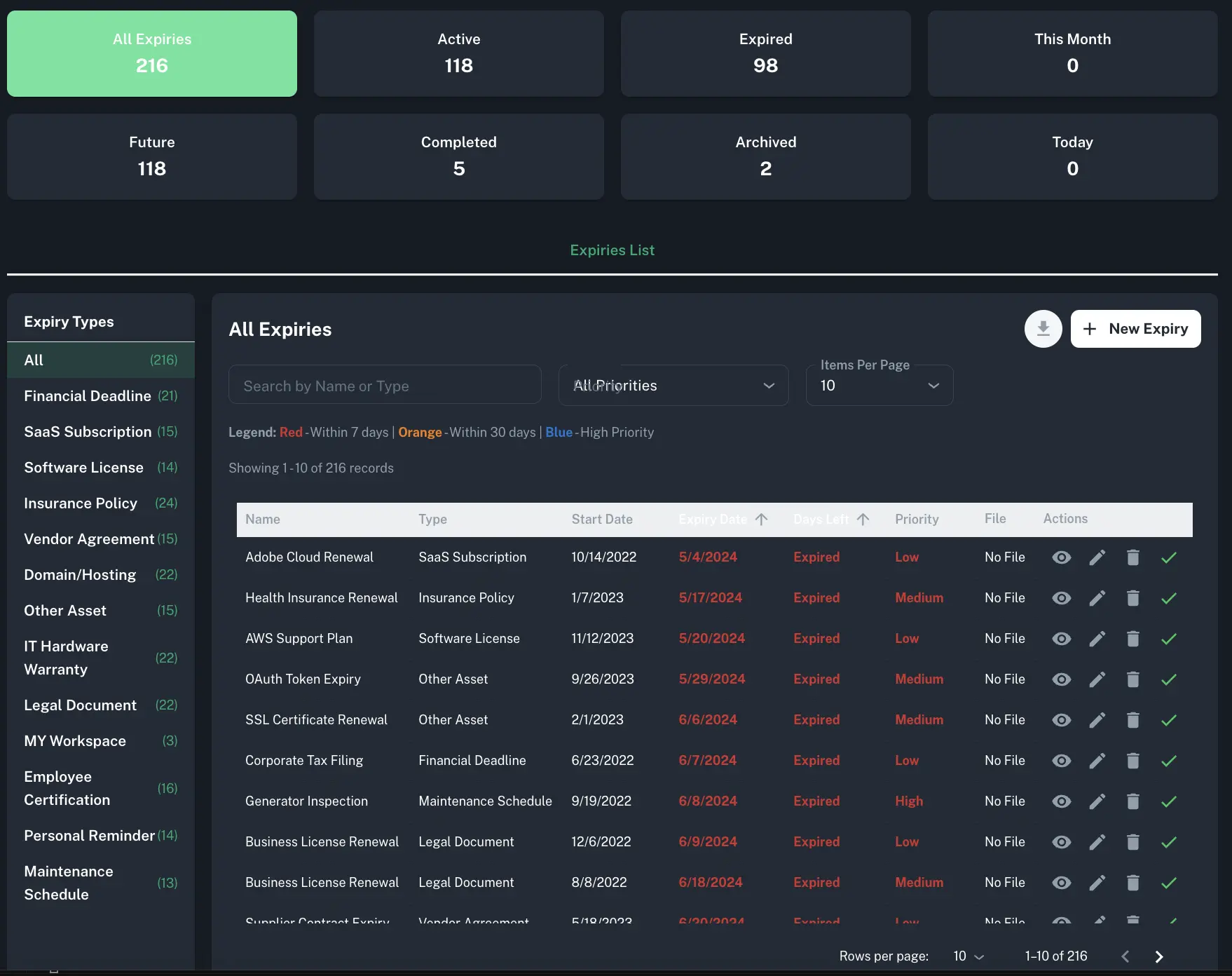
ExpiryEdge tracks any date-bound item your business needs to manage: professional licenses and certifications, contracts and service agreements, insurance policies, permits and regulatory approvals, SaaS subscription renewals, SSL certificates and domain renewals, employee visas and work authorizations, vehicle registrations, warranties, equipment maintenance schedules, and background check renewals. If it has a due date and missing it has consequences, ExpiryEdge tracks it and reminds you automatically.
How do expiration reminders work in ExpiryEdge?
+
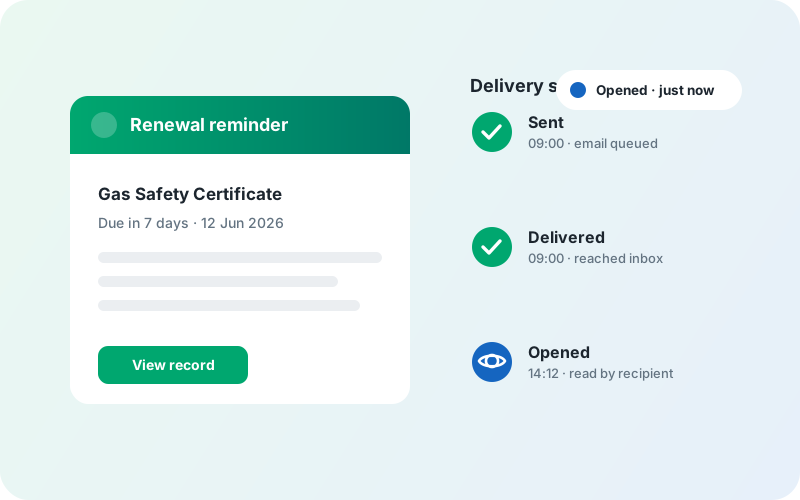
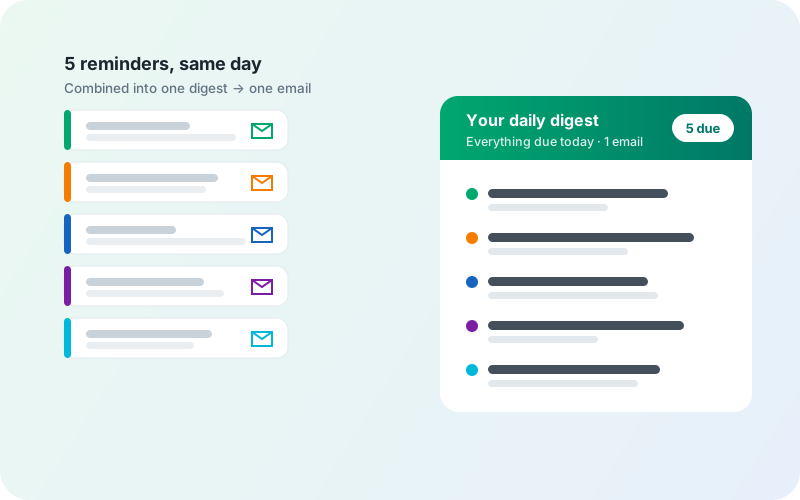
You set the schedule, ExpiryEdge handles the rest. Most teams configure reminders at 90 days, 30 days, 7 days, and 1 day before the expiry date - giving enough time to act without overwhelming inboxes. You can customize intervals per item type: a contract renewal might warrant a 90-day heads-up, while a domain renewal might only need 14 days. Reminders go out via email, SMS, WhatsApp, Slack, or Microsoft Teams - whichever channels your team actually checks.
Which channels can ExpiryEdge use to send expiration reminders?
+
ExpiryEdge sends expiration reminders via email, SMS, and WhatsApp - and can also post notifications to Slack or Microsoft Teams channels via webhook. Each contact in your system has individual opt-in settings per channel, so a field worker might get SMS while an office manager gets email and Slack. You can use a single channel or all of them together for the most critical items.
What is a workflow checklist and when would I use one instead of an expiration reminder?
+
An expiration reminder tells you that something is about to expire - a licence, a contract, a policy. A workflow checklist is for when expiry triggers a process: a series of steps that need to happen in order. For example, when an employee certification is expiring, you might need to: (1) confirm the employee has booked re-training, (2) get the new certificate uploaded, (3) have a manager review it, (4) update the record. That sequence is a workflow. ExpiryEdge handles both - the reminder fires, and the checklist ensures every renewal step gets completed and logged.
What recurring procedures can I run as workflow checklists in ExpiryEdge?
+
Any process your team repeats on a schedule. Common examples include: new employee onboarding (with assigned steps for IT, HR, and the line manager), monthly health and safety compliance checks, quarterly supplier contract reviews, annual ISO audit preparation, client onboarding sequences, equipment maintenance sign-offs, and shift handover procedures. You build the checklist template once, then run it as many times as needed - each run is tracked independently with its own completion record.
Can an expiration reminder automatically trigger a workflow checklist?
+
Yes. You can link an expiry record to a checklist so that when a reminder fires, the associated renewal or compliance process kicks off automatically. For instance, when a food safety permit is 60 days from expiry, ExpiryEdge can simultaneously send the expiration reminder to the responsible person and start the permit renewal checklist - assigning each step to the right team member with its own deadline and notification.
How does ExpiryEdge create an audit trail for compliance?
+
Every action in ExpiryEdge is timestamped and logged: every expiration reminder sent (channel, recipient, time), every checklist step completed (who completed it, when), every document uploaded, and every ownership change. In a compliance audit you can show exactly when you were notified of an upcoming expiry, who was responsible, what steps were taken, and when the renewal was completed - without digging through email threads or spreadsheet histories.
How is ExpiryEdge different from calendar reminders or a spreadsheet?
+
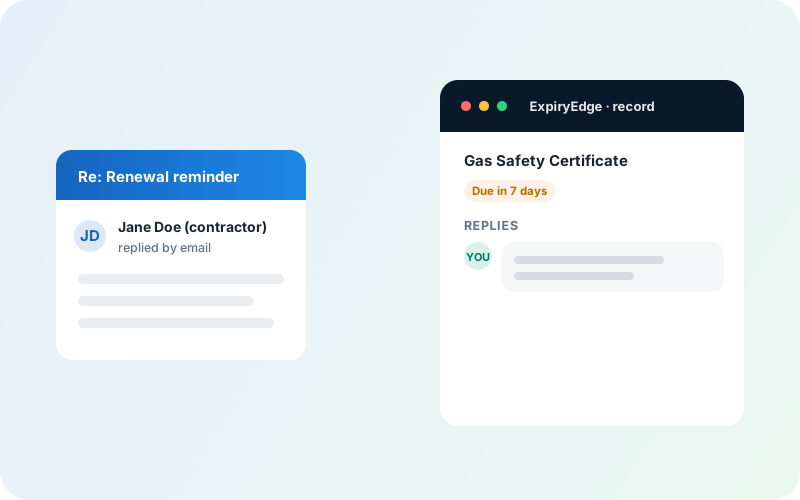
Calendar reminders are personal - they only alert one person and leave no shared record. Spreadsheets require someone to manually update them, send individual emails, and hope nothing slips. ExpiryEdge is organisation-wide: it sends alerts to every assigned contact across multiple channels, tracks who has and has not responded, enforces completion checklists so every renewal step gets done, and maintains a searchable audit log. When someone leaves the company, their expiry records and renewal history stay in the system.
Can I assign expiration reminders and checklist steps to different team members?
+
Yes. Each expiry record can have one or more contacts assigned - they all receive the configured reminders via their preferred channels. For workflow checklists, individual steps can be assigned to different people: step 1 to the employee, step 2 to HR, step 3 to a manager. ExpiryEdge tracks completion per person and can escalate to a supervisor if a step is overdue, so nothing sits waiting on someone who has not seen the notification.
Can ExpiryEdge work as compliance management software?
+
Yes - for everything date-driven. ExpiryEdge gives you a compliance calendar with every regulatory deadline, licence and certification in one place, automated reminders on the schedule your organisation sets, named owners per record, and a timestamped audit trail you can export to CSV, PDF or XLSX for auditors. What it is not is a policy-authoring GRC suite - it is the operational layer that makes sure the dated obligations actually get done on time.
How does ExpiryEdge help teams never miss a deadline or renewal?
+
Four mechanisms working together. Every obligation lives in one register with a named owner, so nothing depends on memory. Renewal reminders fire on the schedule you set - by email, SMS, WhatsApp, Slack or Teams - and escalate to a manager if an item goes overdue. Document requests chase vendors and staff automatically until the renewed paperwork comes back. And recurring checklists keep routine work running even when the person who usually does it changes.