
Reach the right person on the channel they check.
Email alone gets ignored. ExpiryEdge sends automated renewal reminders via SMS, WhatsApp, Slack, Microsoft Teams and email - to the right person, on the right channel, at the right time before any deadline. Set the schedule and recipient rules once; after that, every reminder goes out whether anyone thinks to send it or not.
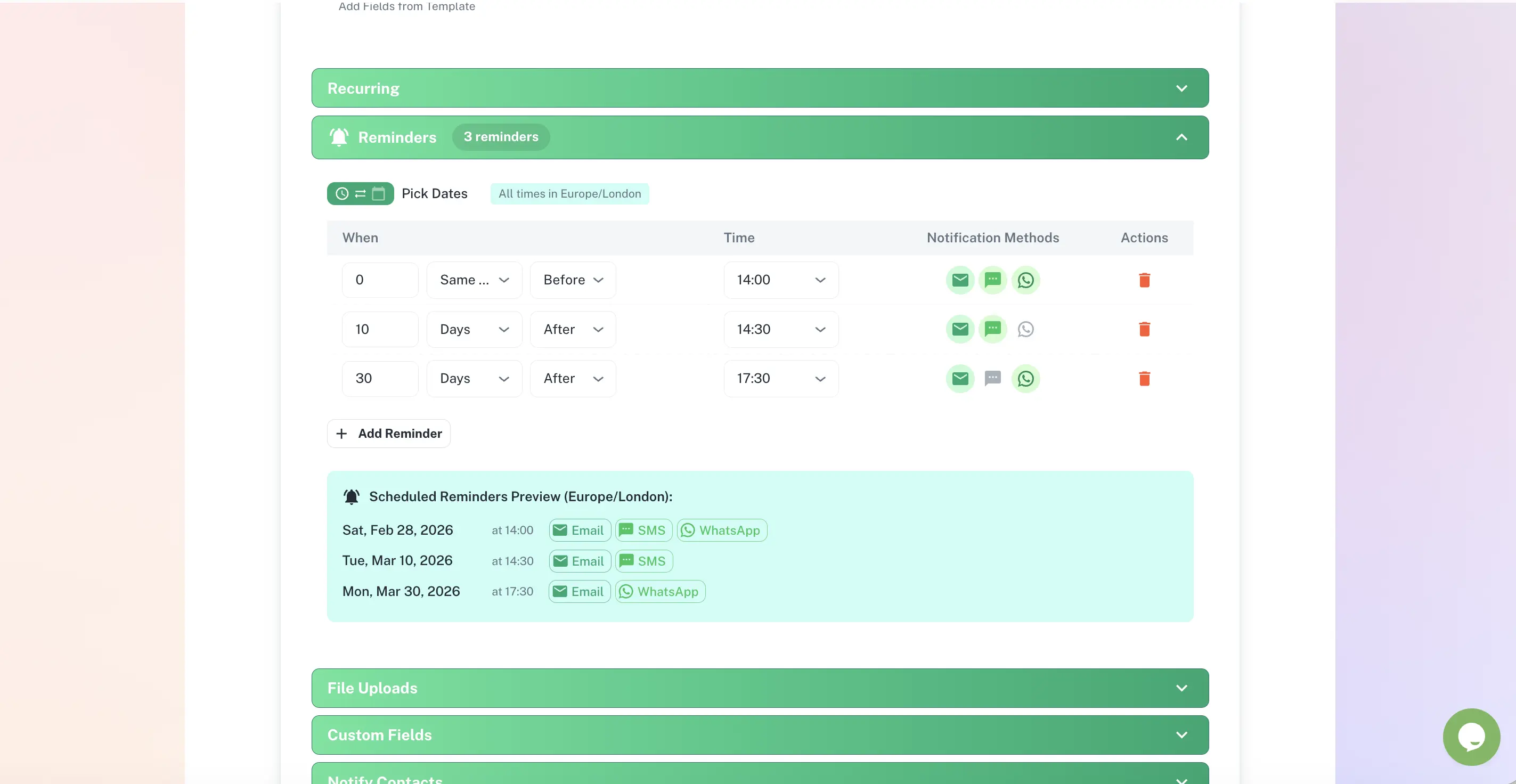
Six channels, multi-step sequences, automatic escalation
Email, SMS, WhatsApp, Slack, Teams, API
Different recipients per reminder step
Automatic escalation on missed deadlines
Delivery and engagement tracking
Quick answer
Automated renewal reminders are scheduled, multi-step alerts that fire before a deadline lapses. ExpiryEdge sends them across six channels - email, SMS, WhatsApp, Slack, Microsoft Teams and API webhooks - routing each step to the right person on the channel they actually check. If a deadline passes without action, it escalates automatically from owner to manager to leadership.
One cadence, every channel
Set a reminder sequence per item type and let ExpiryEdge fan it out across the channels your people live in.
Reminders configured your way
Build the sequence once and ExpiryEdge handles every notification automatically - across every channel, to the contacts you assign.
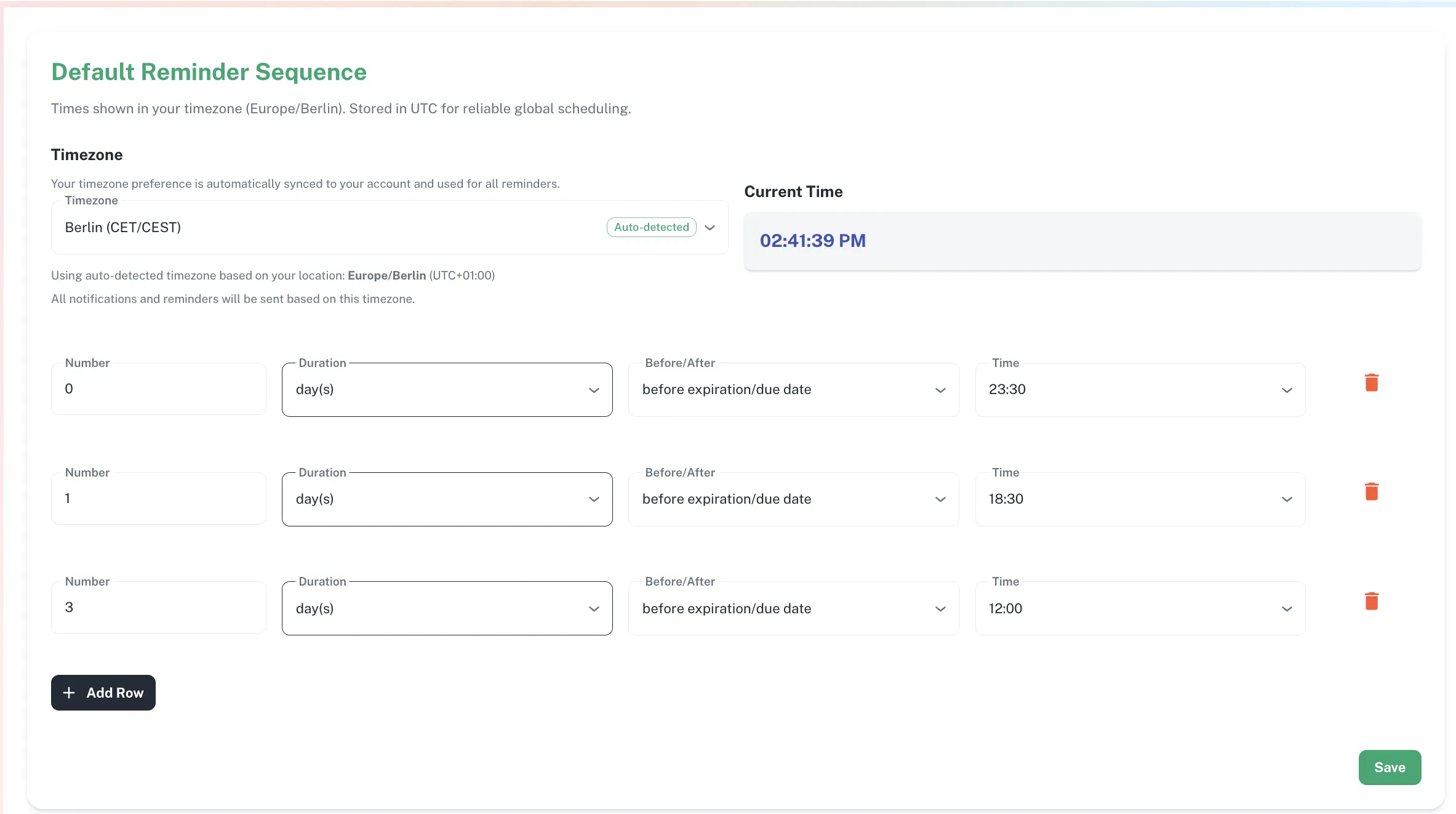
Build multi-step sequences - 90, 30, 14 and 1 day before expiry.
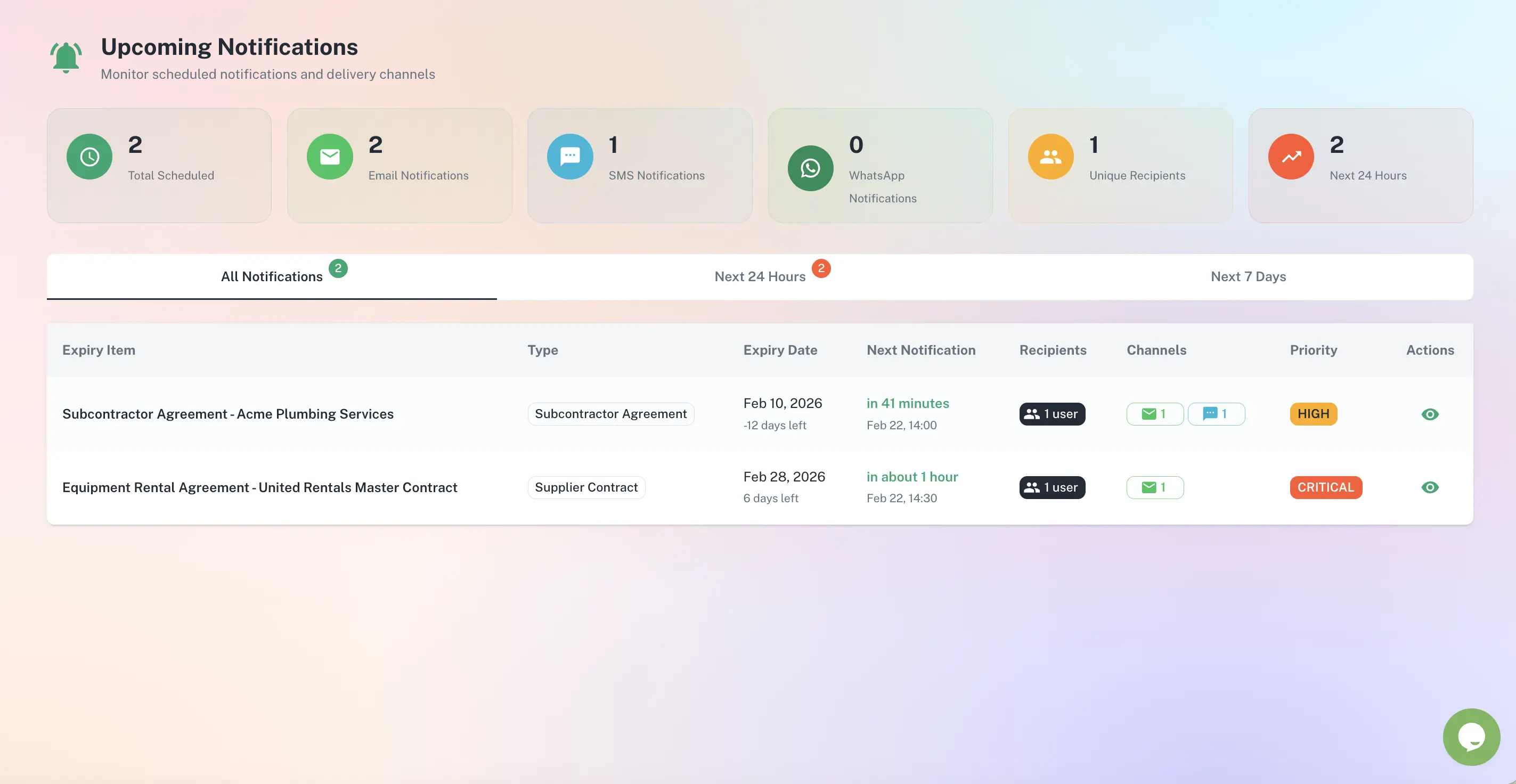
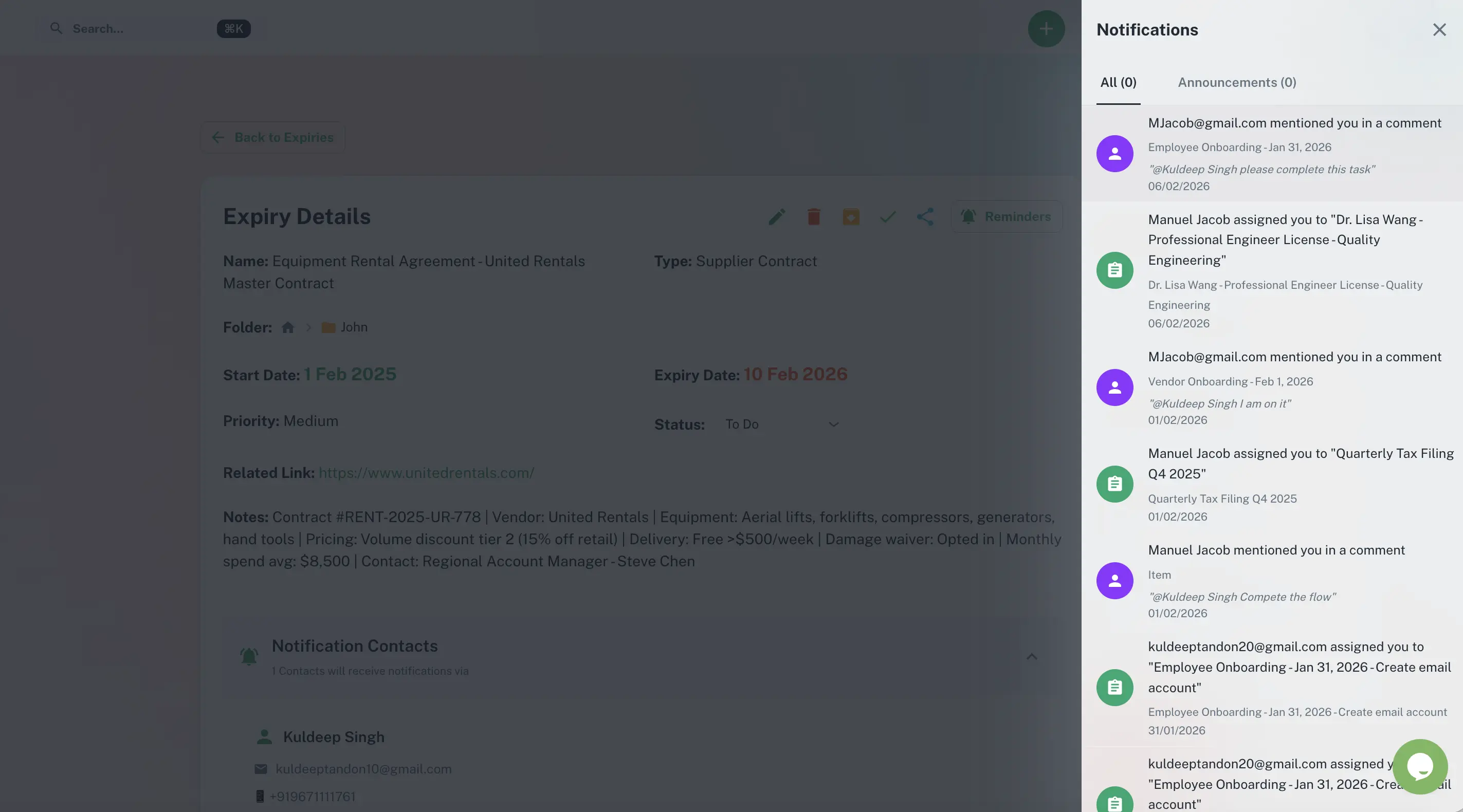
Every channel your team actually checks
A cadence that nudges, then escalates
One alert is easy to dismiss. ExpiryEdge fires a sequence - for example 90, 30, 14 and 1 day before expiry - with a different recipient at each step if you want. If the deadline still passes, escalation kicks in automatically.
Custom cadence per item type
Different recipient per step
Owner → manager → leadership escalation
Fan out across six channels at once
Email for the finance team, Slack for ops, SMS for field staff, Teams for the Microsoft 365 org, WhatsApp for mobile-first crews, and API webhooks for JIRA, ServiceNow or your CRM. Each person gets the alert on the channel they check.
Per-recipient channel selection
SMS open rate of 98% within 3 minutes
No app or login required from recipients
Delivery and engagement, visible
See which reminders were delivered, opened and acted on. Spot team members who are not engaging and adjust the channel or escalation path - so the next deadline reaches them through something they actually read.
Delivery and open tracking
Identify non-responders
Adjust channel or escalation per person
Who needs multi-channel deadline reminders
Operations Teams
Skip the manual "did you sort that licence?" email. ExpiryEdge sends reminders automatically via Slack, SMS or email, with the escalation path already set if the first alert gets no action.
Field & Mobile Teams
SMS and WhatsApp reach workers who rarely open email - so equipment and certification alerts get through wherever the crew is.
Enterprise & Microsoft 365 Users
Teams integration delivers alerts into the channels your organisation already runs on - nothing new to install, no separate login, no context switching.
Compliance Officers
Configure multi-tier escalation so a missed reminder reaches the owner, then their manager, then leadership - with a full delivery audit trail.
ExpiryEdge supports six notification channels: branded email, SMS (global delivery), WhatsApp Business, Slack, Microsoft Teams, and API/webhooks for custom integrations. Each reminder can be routed to different recipients via different channels depending on the item type and who is responsible for it.
Yes. SMS reminders are sent to any phone number globally. The recipient needs no app, no account and no login - the message arrives as a standard text message. SMS achieves a 98% open rate within 3 minutes, making it the most reliable channel for urgent deadline alerts.
When configuring an item type, you define the reminder schedule: for example, send alerts at 90 days, 30 days, 14 days and 1 day before expiry. Each alert can go to different people via different channels. ExpiryEdge handles the scheduling and delivery automatically - you set it once and the system runs indefinitely.
ExpiryEdge automatically escalates. If a deadline passes without action, the system sends escalation alerts to a designated manager or team lead. You can configure multi-tier escalation - item owner, then manager, then leadership - so critical compliance deadlines are never silently missed.
Yes. You can configure channel preferences per recipient. One team member might receive reminders via Slack, another via SMS, another via email. ExpiryEdge routes each alert to the appropriate channel for each person, maximising the chance that the right person acts on it.
Stop relying on email reminders alone
Send automated renewal reminders via SMS, WhatsApp, Slack and Teams - to the right people, at exactly the right time.