
Know every officer on every site is licensed, before the shift starts.
A security firm needs a current guard licence - an SIA licence in the UK, a state guard card in the US - for every officer it deploys, plus firearms permits, first aid and training where the role needs them. ExpiryEdge holds each credential against the officer with its expiry date and a copy of the card, and reminds the officer and the scheduler at 90, 60, 30 and 7 days.
Last updated · ExpiryEdge editorial team
Licence status per officer, per client site
Guard licence, firearms permit and training per officer
Reminders to the officer by SMS or WhatsApp
Licence copies collected by upload link, no login
Per-site compliance export for clients
Quick answer
Security firms track guard licences by giving every officer a record for each credential - SIA licence or state guard card, firearms permit, first aid, training - with the expiry date and a copy of the card. ExpiryEdge reminds the officer and the scheduler at 90, 60, 30 and 7 days, flags expired credentials before rostering, and exports a per-site list so clients can see every assigned officer is licensed.
What each officer and each contract needs kept current
SIA licences (UK) or state guard cards (US)
Armed guard and firearms permits
Firearms qualification and range requalification
First aid, CPR and AED certificates
Mandatory and refresher training hours
Background check and vetting dates
Right-to-work and visa expiry
Door supervision, CCTV and close protection licences
Client site inductions and site-specific training
Company licence or agency registration
Liability and employers' insurance
Client contracts and service agreements
Who uses it in a security company
Owners and directors
Carry the company licence, the insurance and the client contracts, and need to know the business can prove every deployed officer was licensed.
Compliance and licensing managers
Hold every officer's licence, permit and training record, chase renewals early and collect new copies without filling a shared inbox.
Schedulers and control room
Check a credential is current before the officer is put on a shift, and see who drops out of eligibility in the next 30 days.
Account and contract managers
Give each client a current list of the officers on their site with licence status, and keep contract renewal dates in view.
Officers
Get their own reminders on their phone and upload a new licence copy as soon as it arrives.
From licence copies in a shared drive to a status you can schedule against
Licence copies from new officers by upload link
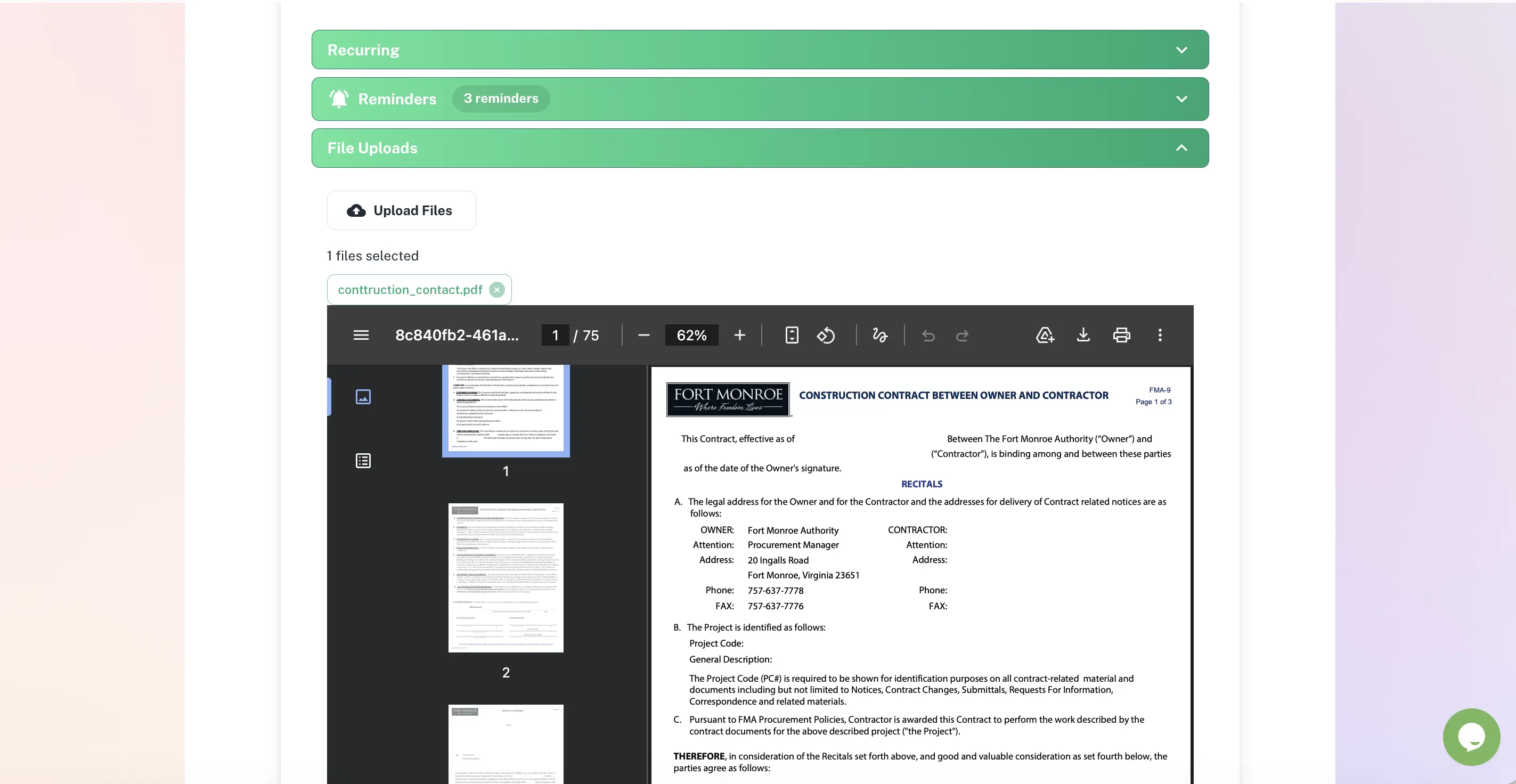
Send each new officer a link to upload their licence, permit and certificates, with an e-signature for any declarations. No account to create. Each file lands on the officer's record with its expiry date, and an incorrect file can be rejected and re-requested on its own.
No-login upload link per officer
E-signature on declarations
Reject and re-request a single document
A licence status your schedulers can check
Every credential reads as valid, expiring or expired against the officer. Schedulers filter by site, role or credential type before publishing a roster, and reminders reach the officer and the scheduler at 90, 60, 30 and 7 days. Status changes can be pushed to your scheduling system through the API or webhooks.
Valid / expiring / expired per officer, per credential
Officer and scheduler reminded together
API and webhooks for your scheduling software
A per-site list of officers and their licence status
Group officers by client site. When a client asks for proof that everyone on their site is licensed, export the current list with licence numbers, expiry dates and documents as CSV, PDF or XLSX. Client contracts sit on their own records with renewal reminders, so the contract does not lapse while the officers stay current.
Officers grouped by client and site
Per-site export with licence status
Client contract renewals tracked alongside
Reminders that reach officers off site
Officers work shifts across many sites and seldom check email. Send their reminders by SMS or WhatsApp and the compliance team's by email, Slack or Teams. Set a longer first reminder for licences with long processing times.
ExpiryEdge vs a spreadsheet vs a calendar
| ExpiryEdge | Spreadsheet | Calendar | |
|---|---|---|---|
| Status per officer, per credential | Manual | ||
| Reminders to officer by SMS or WhatsApp | |||
| Scheduler notified before a licence lapses | Manual | ||
| Licence copies collected by upload link | |||
| Escalation when a credential expires | |||
| Per-client-site export | Manual | ||
| API / webhooks to scheduling software | |||
| Timestamped audit trail |
Give every officer a record for each licence they hold, with the licence number, issuing body, expiry date and a copy of the card. In the UK that is usually an SIA licence for the relevant activity; in the US it is a guard card or registration issued by the state, and requirements differ from state to state. ExpiryEdge reminds the officer and the compliance manager at 90, 60, 30 and 7 days and escalates if a licence expires. It does not check the SIA register or state databases automatically, so verify status there as your process requires.
Make licence status visible to whoever builds the roster. In ExpiryEdge every credential shows as valid, expiring or expired against the officer, and schedulers can filter by site or role before publishing. Reminders go to the scheduler as well as the officer, so they know who will drop out of eligibility in the next 30 days. ExpiryEdge does not build rosters itself, but status changes can be sent to your scheduling software through the API or webhooks, so it can block or flag an officer with an expired licence.
Add each as a separate credential on the officer's record: firearms permit, range requalification, first aid or CPR, and any mandatory refresher training, each with its own expiry date and certificate. Set the reminder cadence per type, because a permit may need a longer lead time than a first aid course. Officers are reminded by SMS or WhatsApp and the compliance team by email. Firearms permit and training rules differ between states and countries, so take the renewal dates and requirements from the issuing authority.
Send each new officer an upload link. They open it on their phone, upload their licence, permits and certificates, and sign any declarations with an e-signature, without creating an account. ExpiryEdge files each document on the officer's record with its expiry date, and if a photo is unreadable or out of date you reject that one item and the officer is asked to upload it again. The same link approach works for renewals, so the new card reaches the record as soon as it is issued.
Group officers by client site and export the list when the client asks. The export shows each assigned officer with their licence type, number, expiry date and status, plus the document on file, in CSV, PDF or XLSX. Because every upload and renewal is timestamped, you can also show that an officer was licensed on a past date, which matters when a client audits an incident. If a client wants it, you can send this list monthly or at each contract review.
Put each client contract on its own record with the start date, renewal or end date, notice period and a copy of the agreement. Set the first reminder before the notice deadline, not the end date, so there is time to renegotiate or give notice. Reminders go to the account manager and escalate to a director if the date passes. Insurance certificates that clients ask for can sit on the same client record, so the contract and the proof of cover renew together.
Every officer's licence status, ready before the roster
Import your officer list, collect licence copies by link, set reminders. Free 14-day trial, no credit card.