
HR compliance software for every workforce document and deadline.
HR teams manage compliance for 20, 50 or 500 people - and each person carries multiple renewal dates. Right-to-work checks expire. DBS disclosures run out. Mandatory training and review dates fall off the schedule when someone goes on leave. ExpiryEdge is the employee certification tracking system that handles all of it: every deadline tracked per person, every reminder sent to the right owner before anything lapses or becomes an employment risk.
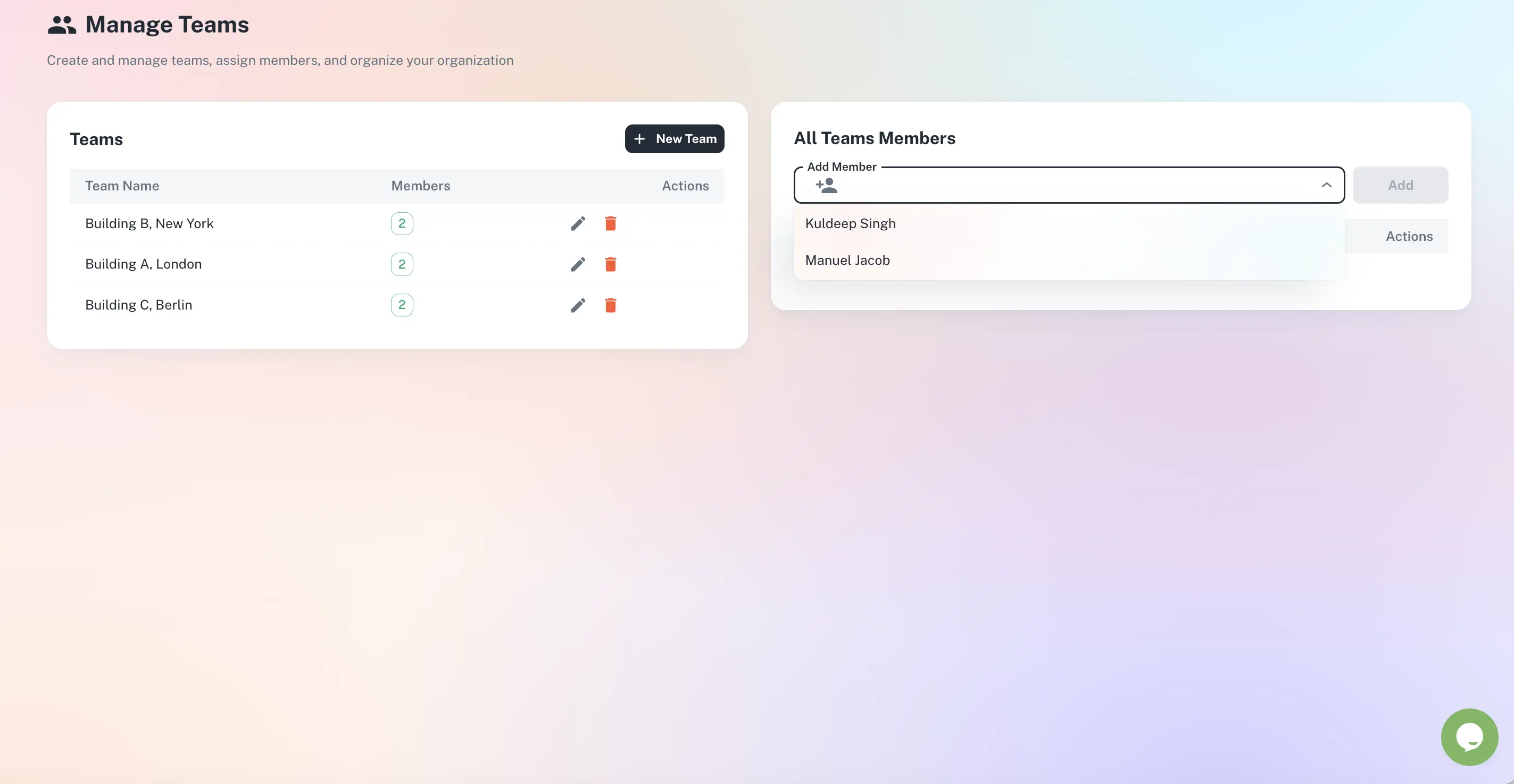
Every employee deadline owned by the right person
Right-to-work, DBS and training tracked per employee
Reminders to the employee, line manager and HR
Workforce compliance report for any team in seconds
Contractors tracked alongside permanent staff
Quick answer
ExpiryEdge is HR compliance software for teams that must track right-to-work documents and visas, DBS disclosures, mandatory training, professional qualifications and review dates. It sends multi-step reminders to the employee, their line manager and HR before anything lapses, stores documents against each person, and produces a workforce compliance report for any team in one click.
Where workforce compliance breaks down
Right-to-work lapses
A visa or share code expires without a follow-up check, and the firm loses its statutory excuse for employing that person.
One owner, no cover
Renewals sit with one HR coordinator - when they are on leave, deadlines pass unnoticed.
Training falls off the schedule
Mandatory refreshers lapse quietly and only surface during an audit or after an incident.
No single view of risk
Compliance lives in personnel files, so no one can answer “who is lapsed?” without opening every record.
A control for every employee deadline
Right-to-work check tracking
Track time-limited documents - biometric permits, share codes, visas - with renewal dates per employee. Alerts go to HR and the line manager before any document expires.
DBS and disclosure renewals
Track DBS dates for roles where disclosures are required. Reminders reach HR and the relevant manager well in advance.
Mandatory training tracking
Log fire safety, manual handling, first aid, GDPR and other mandatory training per employee. Know who is behind before an audit asks.
Professional qualifications
Track role-specific qualifications - forklift licences, safety tickets, registrations - so no one operates with a lapsed credential.
Probation and review dates
Track probation end dates and recurring review dates so people milestones are actioned on time, not missed.
Workforce compliance reporting
Generate a report for any team, department or the whole workforce - who is current, expiring and lapsed - in minutes for board reviews or audits.
From scattered files to clear ownership
Every compliance item mapped to an owner
Each deadline is assigned to a person, team or department, so the dashboard shows exactly who is responsible for what - and reminders reach the owner, not a shared inbox.
Assign to employee, manager or team
No item without a named owner
Roll up by department or site
Valid, expiring, lapsed - per certification
Each employee shows a row of certification badges so a line manager can spot a lapse instantly instead of reading down a spreadsheet.
Right-to-work, DBS and training in one view
Expiring items flagged before they lapse
Filter by team or risk
Every team’s compliance in one place
Manage employees and contractors side by side, grouped by team, with each person’s renewal dates and documents stored against their record.
Permanent staff and contractors together
Bulk import for large teams
Documents stored against each person
Who relies on it
HR Manager or People Lead
Accountable for workforce compliance. Sees who is current, expiring and lapsed across every category without reviewing each personnel file.
Line Manager
Responsible for their team day to day. Gets advance notice when a team member’s training, qualification or right-to-work document is due, in time to arrange cover.
Operations or Business Director
Wants confidence the workforce is compliant without a right-to-work breach or missed training - oversight without the detail.
ExpiryEdge handles employee certification tracking for a wide range of items: right-to-work documents (biometric permits, visas, share codes), DBS and enhanced disclosure checks, mandatory training (fire safety, manual handling, first aid, GDPR, safeguarding), professional qualifications and trade licences, role-specific certifications (forklift, scaffold, food hygiene), contractor insurance and qualifications, and probation and review dates. Any employee or contractor item with an expiry or review date can be tracked.
Yes. For each tracked item you configure who receives the reminder. A right-to-work expiry alert goes to the employee and their line manager. A training renewal goes to the employee directly. HR can receive all notifications or just a summary - it depends on your setup. The right person is always in the loop.
Right-to-work documents for non-UK employees - biometric residence permits, visas and share codes - have specific expiry dates. If you do not carry out a follow-up check before the document expires, you lose the statutory excuse for employing that person. ExpiryEdge sends reminders to HR and the line manager well in advance, so the follow-up check is done on time and documented.
Yes. Contractors and agency workers can have their own records - with their own qualifications, insurance and DBS details tracked separately from permanent employees. You can send reminders directly to the contractor when their documentation is approaching renewal, rather than relying on the agency to flag it.
Yes. Role-based permissions mean a line manager sees only their team, while HR and leadership see across the whole workforce. You can filter dashboards by team, department or site, and roll up an organisation-wide view for board reviews.
Most teams are live in under 10 minutes. You can bulk-import existing employee records from a spreadsheet, log each person’s right-to-work, DBS, training and qualification dates, upload the documents, and start receiving automated reminders immediately. ExpiryEdge offers a 14-day free trial with full access - no credit card required.
Employee certification tracking - every deadline covered, always
Free to try. No credit card required.