
Build SOPs as Structured Checklists Your Team Actually Follows
Build repeatable workflows and SOPs in ExpiryEdge so teams follow consistent steps for renewals, approvals and audit documentation.
Digitise your SOPs and compliance workflows with automated step tracking and reminders
SOP digitisation
Step-by-step compliance workflows
Automated task sequencing
Process adherence tracking
Build SOPs as Structured Checklists Your Team Actually Follows Features
Everything you need to streamline your workflow and boost productivity
Reusable Templates
Create workflow templates once and reuse them infinite times. Perfect for employee onboarding, client intake, compliance reviews, and recurring processes.
Multi-Step Processes
Build complex workflows with multiple steps, dependencies, and conditional logic. Define sequential or parallel task execution.
Team Assignment
Assign specific tasks to team members, departments, or external collaborators. Clear accountability for every step.
Track Progress
Monitor workflow completion in real-time. See which tasks are pending, in-progress, or completed with visual progress indicators.
SOP Documentation
Attach detailed instructions, checklists, and reference documents to each workflow step. Ensure consistent execution.
Performance Analytics
Track completion rates, identify bottlenecks, and measure team productivity. Optimize your processes based on data.
Why Use Build SOPs as Structured Checklists Your Team Actually Follows?
Real benefits that drive measurable results for your business
Save 10+ Hours Per Week
Eliminate manual process management and repetitive task assignment. Workflows run automatically once initiated.
Ensure Consistency
Every workflow follows the exact same steps every time. No more missed steps or inconsistent execution.
Scale Your Operations
Handle 10x more workflows without adding headcount. Templates make scaling seamless.
Improve Compliance
Built-in audit trails document who did what and when. Perfect for regulated industries.
Build SOPs as Structured Checklists Your Team Actually Follows in Action
Visual walkthrough of the platform in action
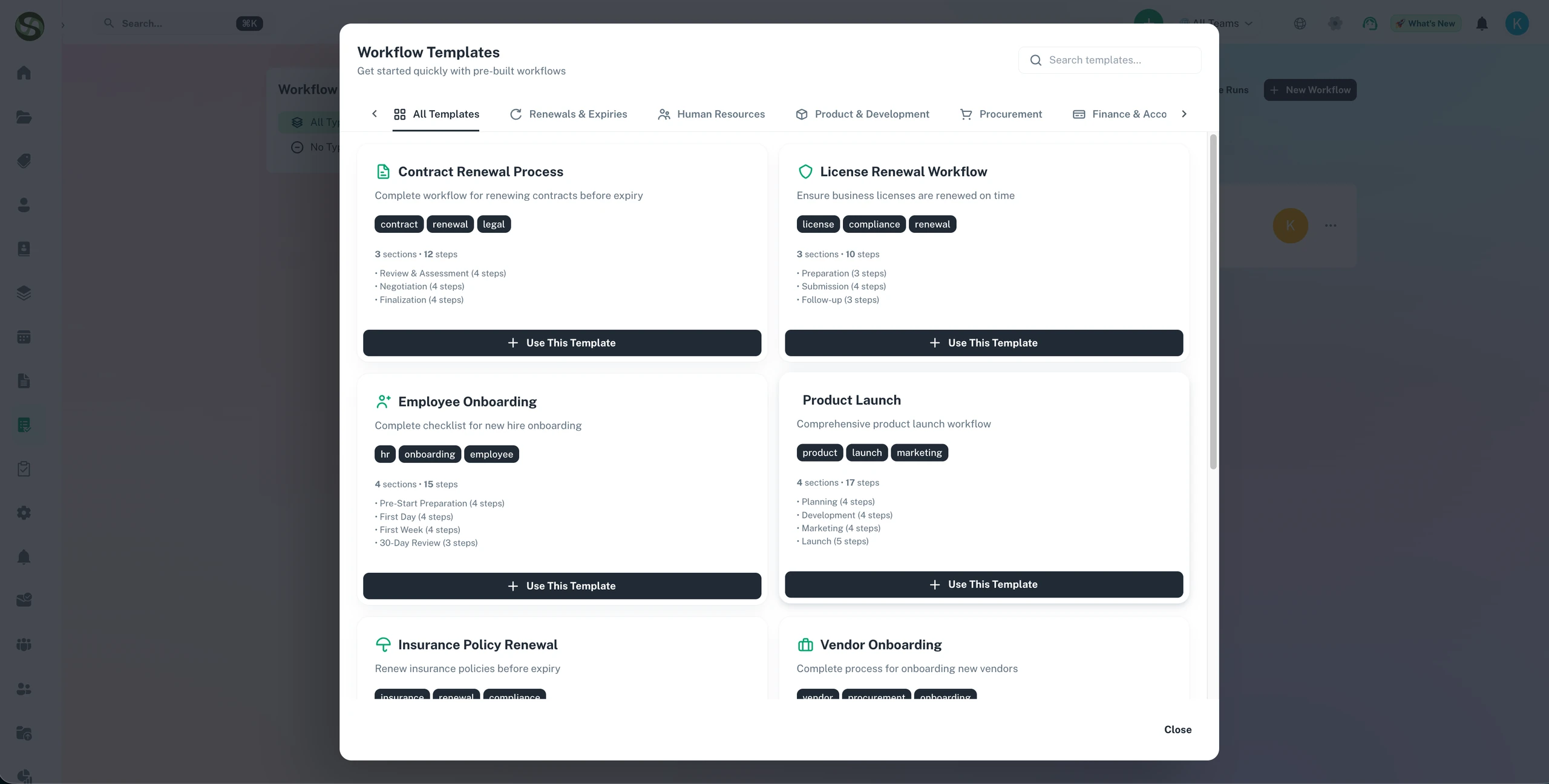
Pre-Built SOP Template Library
Start from ready-made templates for common business processes - or build your own SOP and save it as a reusable template.
All Workflows at a Glance
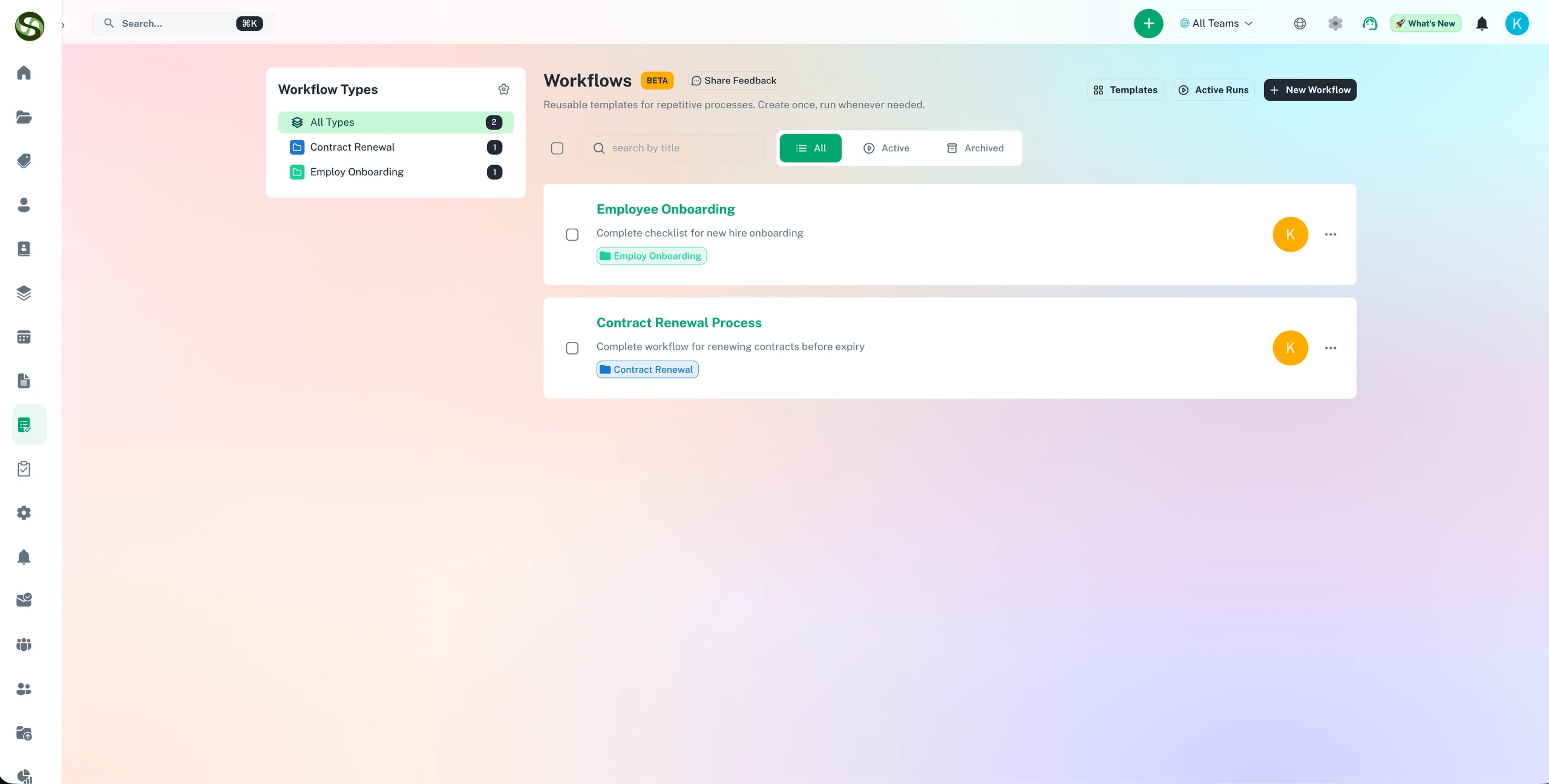
See every active and recent workflow run in one list - who is assigned, how far along it is, and what is overdue.
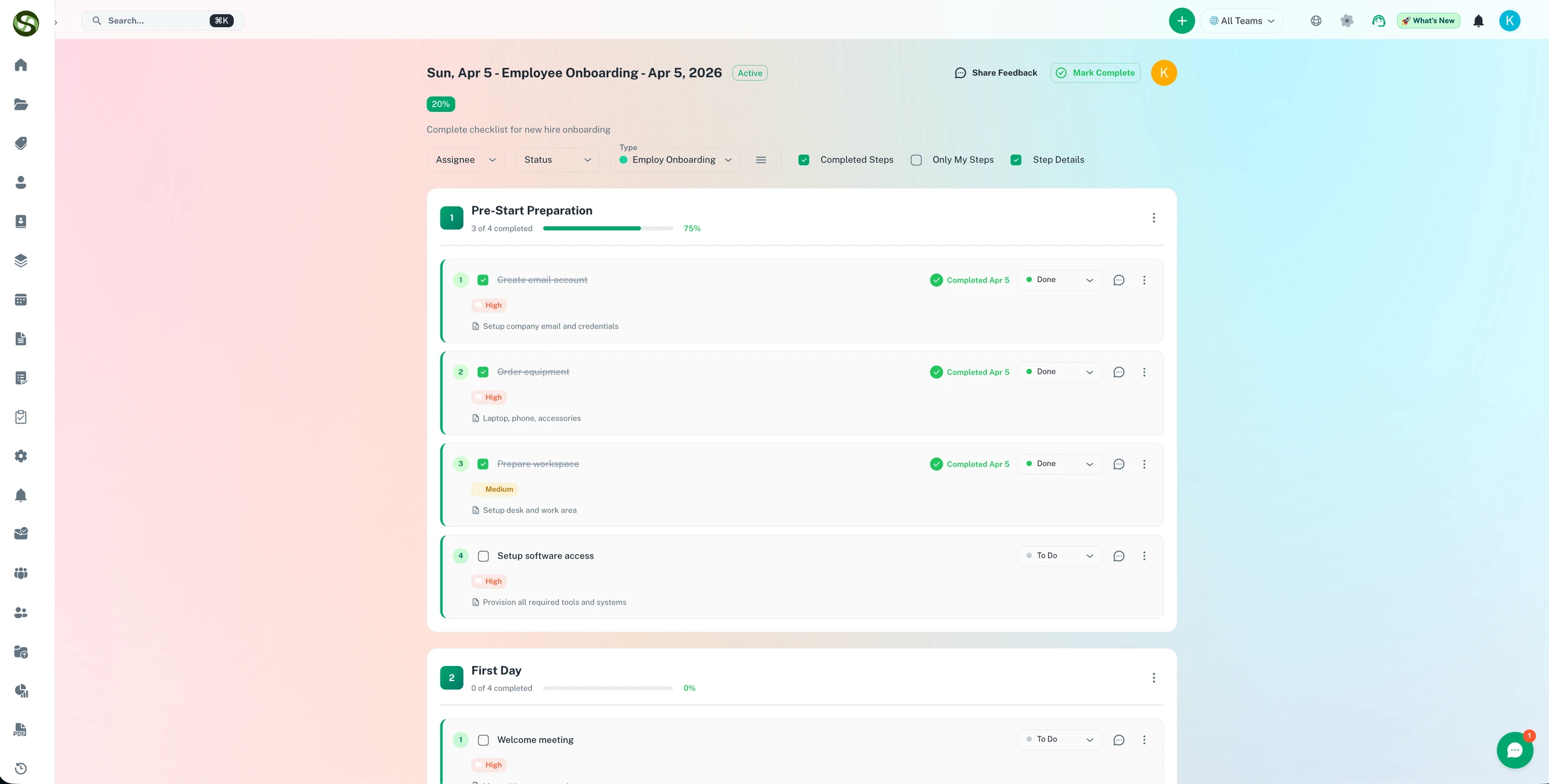
Step-by-Step Run Progress
Track each active run section by section - completed steps are ticked off, outstanding ones are clearly visible.
Who Uses Build SOPs as Structured Checklists Your Team Actually Follows?
Designed for teams and businesses across industries
Employee Onboarding
Automate the entire onboarding process from offer acceptance to first day. Include HR paperwork, IT setup, and team introductions.
Client Onboarding
Create consistent client intake workflows. Collect documents, set up accounts, and schedule kickoff meetings automatically.
Compliance Reviews
Standardize compliance audits and reviews. Ensure every step is documented and tracked for regulatory requirements.
Product Launches
Coordinate complex product launches across marketing, sales, and support teams. Track every milestone.
Month-End Close
Standardize accounting workflows like month-end close, invoice processing, and financial reporting.
Vendor Onboarding
Streamline vendor evaluation, contract signing, and system setup with automated workflows.
Frequently Asked Questions
Everything you need to know. Can't find the answer? Reach out to our support team.
Workflows in ExpiryEdge are structured as sections and steps. Each workflow is divided into logical sections (e.g. 'Pre-Start', 'Day 1 Tasks', 'Sign-Off'), and each section contains the individual steps that team members tick off as they complete them. You build the SOP once as a template - sections, steps, owners, and timing - and launch it as many times as needed. Every run is a fresh checklist with a separate completion record.
Yes. Each workflow template in ExpiryEdge can include step-level instructions that guide team members through the process. These instructions are visible to the assigned person when they receive their workflow task, providing in-context guidance without requiring them to locate a separate document.
When a team member leaves, the SOPs in ExpiryEdge transfer with the role, not the person. You reassign workflow steps to the new owner and the process continues exactly as before - same steps, same timing, same documentation requirements. There is no knowledge transfer risk because the process lives in the system, not in someone's head.
Yes. When you create a workflow template, it is available across all locations and teams. This ensures every location follows the same SOP for the same process - whether you have 3 sites or 300. Standardisation is built in, not dependent on individual memory or manual oversight.
Every workflow run in ExpiryEdge is logged: each step, who completed it, and when. This creates a structured, timestamped record of process adherence for every compliance obligation. Auditors can see not just that the compliance item was renewed, but exactly what steps were followed, by whom, and in what timeframe - demonstrating systematic compliance rather than ad hoc renewal.
Ready to Get Started?
Join thousands of teams already using ExpiryEdge to streamline their workflows