Zenput Alternatives: 7 Restaurant Food Safety Checklist Tools, From One Kitchen to a Chain

ExpiryEdge comes first for the weekly and monthly checks and the certificates that sit around your daily logs: thermometer calibration every Monday, the hood and grease trap check, pest control visits and permit renewals. It runs each as a recurring checklist, assigns it to the kitchen manager and escalates when a run is overdue. It isn't a temperature log, so pair it with one.
For daily line checks and temperatures across many stores, pick Zenput, which is now Crunchtime Ops Execution. It runs line checks, opening checklists and audits, works with Bluetooth probes and sensors, and shows above-store teams which stores missed what. For an independent or a small group, FoodDocs and Trail are easier to start with because they publish their prices and you can trial them without a sales call. SmartSense (which Jolt merged into) is strong on probes, sensors and labels, and Mitti, the new name on SafetyCulture's site, costs nothing for up to 10 people.
Who's writing: We make ExpiryEdge. For the six other tools we went to their own sites and help pages on 7 November 2026, and each fact links back to the page it came from.
| Tool | Temperature capture | Corrective actions | Built for | Published pricing |
|---|---|---|---|---|
| ExpiryEdge Our product | No | Escalation when a run is overdue | Any business with dated checks | $29 to $199 a month |
| Crunchtime Ops Execution | Bluetooth probes and sensors | Follow-up tasks and alerts | Multi-unit US brands | No |
| SmartSense (Jolt) | Wireless probes and sensors | Predefined, applied automatically | Food service chains | No |
| FoodDocs | Manual or synced sensors | Yes | Independents, UK and US | $79 to $250 per site a month (annual) |
| Trail | Manual, with target ranges | Yes, on Standard and up | UK hospitality | £38 to £82.50 per site a month |
| Mitti (SafetyCulture) | Sensors for fridges and freezers | Issue reporting | Any industry | Free for 10 people; $24 per seat a month |
| ComplianceMate (Ladle) | Sensor monitoring with alerts | Not described | Food service | No |
How we compared these apps
The table's four columns are the ones that decide a food safety app. Temperature capture matters most, since a typed reading is easy to fake and a probe reading isn't. Corrective actions come next, because an out-of-range reading with no fix recorded is the finding. Then who it's built for, and whether the price is public. We read each vendor's product, pricing and help pages on 7 November 2026 and checked the limits against the FDA Food Code, Minneapolis guidance and England's 2013 hygiene regulations. We didn't pay for every app, and we make ExpiryEdge, so read our ranking of it with that bias in mind.
A cooling log is the real test of a checklist app
A paper temperature log proves very little. Anyone can fill in a week of "38°F" on a Sunday night. What an inspector, and your area manager, want is a reading with a time, a name and a note of what happened when it was out of range.
The numbers come from your food code. Minneapolis, which follows the FDA model, sets them out plainly on its food temperature guidance: cold food at 41°F or below, hot food at 135°F or above, and cooked food cooled from 135°F to 70°F within 2 hours and to 41°F within 6 hours in total. The FDA publishes the Food Code as a model and asks states and cities to adopt the latest version, and its summary of 2026 changes adds food defense training for the person in charge.
England sets the limits in law. Schedule 4 of the Food Safety and Hygiene (England) Regulations 2013 makes it an offence to keep chilled food above 8°C or hot-held food below 63°C, with short tolerances for service and display.
Cooling is where paper fails most. Two readings, two hours apart, taken by someone who's also running the pass. A good app reminds them at the right time and flags the batch if the second reading is late or too warm.
- Scheduled checks that pop up at the right time, not a list someone opens when they remember
- Target ranges on each reading, with a forced corrective action when it's out
- Probe or sensor readings that skip manual entry for fridges and hot holding
- Photo evidence for cleaning and line checks
- A report per location that an inspector or area manager can read in a minute
Before you trial anything, count sites and cooks
Count your sites and your cooks. Per-site pricing (FoodDocs, Trail) suits big teams in few locations. Per-seat pricing (Mitti) suits small teams.
Then run your hardest check on each trial: a cooling log for a 20-litre batch of stock. See whether the app reminds the cook at two hours, what happens if the reading is 75°F, and how the record looks afterwards. If it can't handle cooling, it can't handle your inspection.
Last, decide where the certificates and permits live. Our restaurant compliance software guide covers the full picture, the food handler certificate comparison handles staff cards, and the permit and licence comparison handles each location's paperwork.
1. ExpiryEdge: best for weekly checks and the certificates around your daily logs
ExpiryEdge doesn't take probe readings, and it isn't the place for a cooling log. It's useful for the checks that come round weekly, monthly or yearly, and get forgotten because they're not on the daily sheet.
Build an SOP workflow checklist for each one: thermometer calibration every Monday, a monthly hood filter and grease trap check, a quarterly review of the pest control report. Schedule it to run on repeat, assign each step to the kitchen manager, and watch progress live. Every run leaves a timestamped record in the audit trail, which you can export for an inspector.
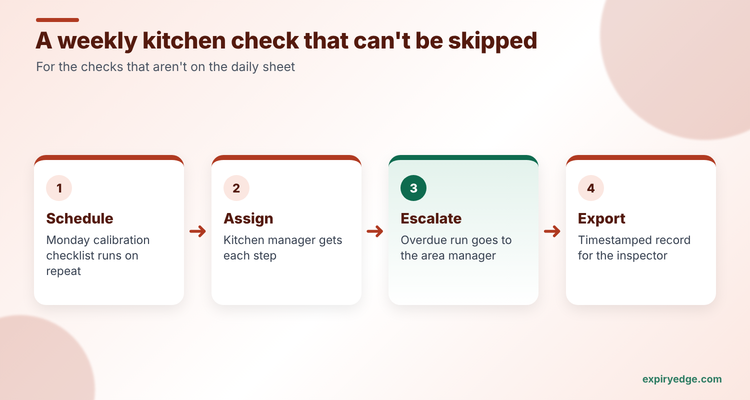
Then track the dates around the kitchen as records: the food handler cards, the hood cleaning certificate, the pest contract, the refrigeration service. When the hood cleaner's date is 14 days out and nobody has booked, the reminder escalates to the area manager. See our SOP software page and the recurring checks use case.
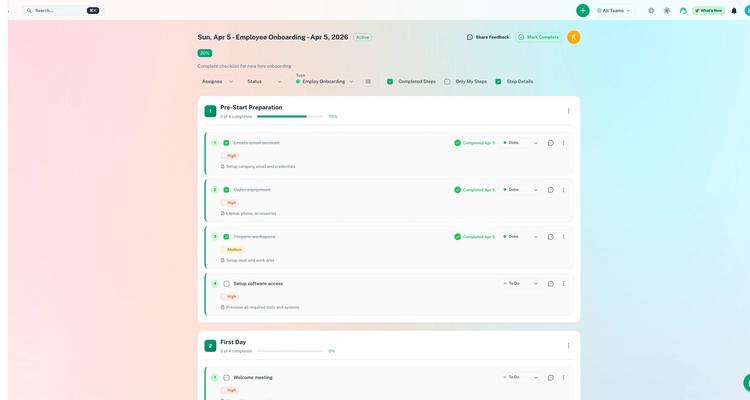
Pricing: $29, $49, $99 or $199 a month depending on how many dated items you track. You get 14 days free, and we don't ask for a credit card to start.
Watch out for: no sensors, no probes and no automatic out-of-range alerts. Pair it with one of the tools below for daily temperatures.
Try it with your own kitchen checks in 15 minutes
- Build a workflow template called "Monday thermometer calibration" with three steps, assign it to the kitchen manager and schedule it to repeat weekly.
- Import your hood cleaning, pest control and refrigeration service dates from a CSV, with a custom "Contractor" field on each record.
- Add the hood cleaner as an outside contact, set reminders at 30, 14 and 7 days by email, and turn on escalation to the area manager.
If that covers what you need, the plans are listed on our pricing page.
2. Crunchtime Ops Execution: best for multi-unit brands
Zenput is part of Crunchtime now. Crunchtime's temperature monitoring page now says plainly that "Zenput is now Ops Execution." The Ops Execution page says it automates line checks, opening checklists and audits and highlights incomplete work. AI checks submitted photos and flags ones that are blurry, of the wrong thing, or off brand standard.
Food safety tools include Bluetooth temperature probes, automatic temperature monitoring and food labelling. The wireless sensors have a battery life of up to 12 years, and reports show whether each reading came from a device or was typed in. Above-store teams see what's been done without visiting, and the platform supports franchise hierarchies.
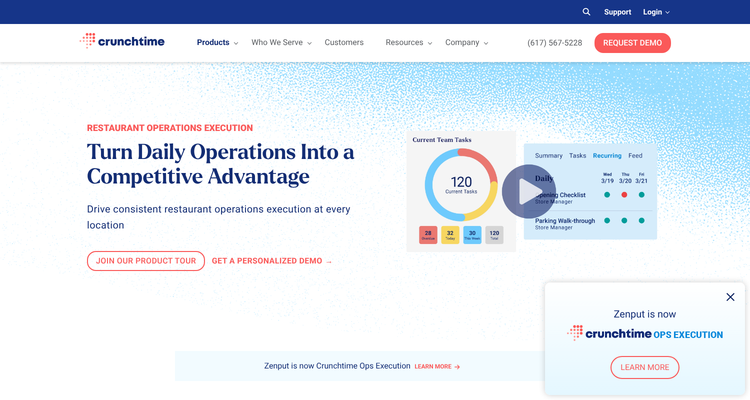
Pricing: not published. You request a personalised demo.
Watch out for: it's built for brands with many stores and a central ops team. A single restaurant will pay for hierarchy and reporting it doesn't need.
3. SmartSense (formerly Jolt): best for probes, sensors and labels
Jolt and SmartSense have merged, and Jolt is now part of SmartSense ONE, per SmartSense's welcome page for Jolt users. Existing Jolt lists, temperature logs, probes and labels carry on, and the page says existing contracts don't change.
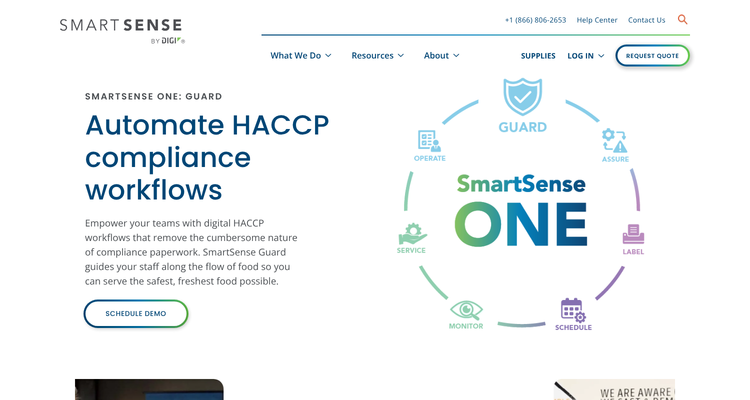
SmartSense Guard runs HACCP workflows for cooking, cooling, reheating and holding. Staff take readings with wireless probes or sensors, and the system flags out-of-range readings or missed checkpoints and applies predefined corrective actions. Operate handles digital checklists and SOPs, and a corrective action can't be closed until the required photo, note, signature or QR scan is in.
Pricing: not published. You request a quote.
Watch out for: the product is mid-merger, so ask which app and hardware a new customer gets today, and how long Jolt-branded tools will be supported.
4. FoodDocs: best published-price option for an independent
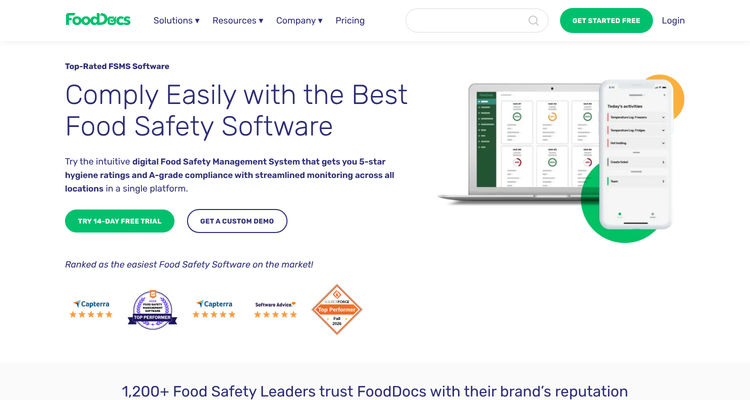
FoodDocs is a digital food safety system for hospitality, food-to-go, retail and healthcare in the UK and North America, per its homepage. It builds a HACCP plan for you, with hazard analysis, critical control points, SOPs and a flow chart, and turns daily checks into automatic monitoring logs. Sensor partners can sync fridge temperatures straight into the checks.
Pricing: the pricing page lists Lite at $79, Standard at $167 and Professional at $250 per site a month on annual billing ($99, $199 and $299 monthly). HACCP plan creation starts on Standard. There's a 14-day trial with no card.
Watch out for: Lite doesn't include the HACCP plan, and AI reports are Enterprise only. The site also says the software can't guarantee regulatory compliance, which is fair: you still own the plan.
5. Trail: best for UK restaurant and pub groups
Trail is now an Access Group product. Its homepage describes it as hospitality operations software that replaces paper checklists with a digital task list for every site, and lists food safety checks, allergen records, temperature logs and opening and closing routines for restaurants. Out-of-range temperatures trigger corrective actions. Trail says it isn't a food safety management system and works alongside your consultant's plan.
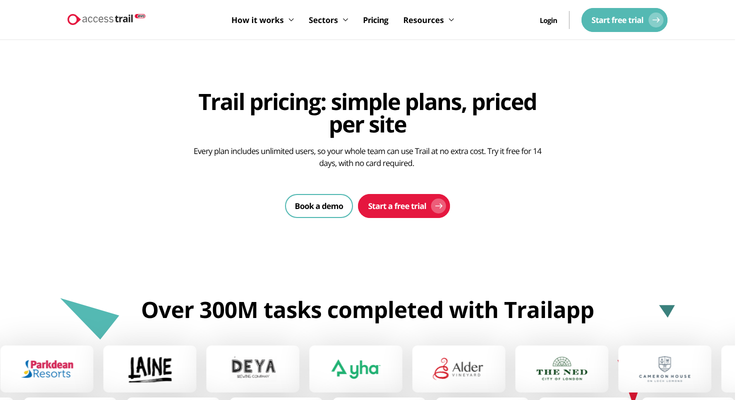
Pricing: the pricing page lists Team at £38, Standard at £75 and Trail Evo at £82.50 per site a month, with unlimited users. Corrective actions start on Standard. There's a 14-day trial with no card.
Watch out for: every plan has a 12-month minimum term and renews automatically unless you give 90 days' notice. The pages we read don't mention probes or sensors.
6. Mitti (SafetyCulture): best free start for general checklists
SafetyCulture's site now redirects to Mitti, branded "Mitti (by SafetyCulture)". Its restaurant food safety page suggests a digital food hygiene inspection checklist and sensors for fridges, freezers and cold storage with real-time alerts.
Pricing: the pricing page lists a $0 tier for up to 10 people with five active templates, Premium at $24 per seat a month on annual billing ($29 monthly), and a location-based price on request.
Watch out for: per-seat pricing adds up fast when every cook needs a login. The pricing page lists sensor connections without saying which plan includes them or what the hardware costs.
7. ComplianceMate (from Ladle): best if you want sensors and HACCP checklists from one vendor
ComplianceMate's site now redirects to Ladle, which lists ComplianceMate as one of its product lines. Ladle describes automated HACCP workflow checklists and temperature sensor monitoring with real-time alerting.
Pricing: not published.
Watch out for: the page we read gives few details on how the checklists or corrective actions work. Ask for a demo with your own cooling log.
ExpiryEdge as an alternative to Crunchtime Ops Execution (Zenput)
We put ExpiryEdge first because every kitchen has checks and certificates that fall outside the daily sheet, whatever app runs the shift. Don't switch if Ops Execution is running your line checks and temperatures across many stores. ExpiryEdge can't replace probes, sensors or photo-checked line checks, and it would be the wrong move.
Do look at ExpiryEdge if you're a small group that wants recurring checklists, a record of who did them and reminders for every certificate and contract, without a sales cycle. A 4-site group can run weekly and monthly kitchen SOPs and track 150 dated items on the $49 Pro plan, then add a temperature app such as FoodDocs or Trail for the daily logs.
Some operators use both: the checklist platform for the shift, ExpiryEdge for the hood cleaning, pest control and permit dates that live outside it.
Frequently asked questions
Common choices are Crunchtime Ops Execution, SmartSense (which Jolt merged into), FoodDocs, Trail and ComplianceMate. Crunchtime and SmartSense take readings from wireless probes and sensors. Trail logs readings typed in by staff, with a corrective action when one is out of range.
Under the FDA model food code used by many US cities, cold food stays at 41°F or below and hot food at 135°F or above. Cooked food must cool from 135°F to 70°F within 2 hours and to 41°F within 6 hours. In England, the legal limits are 8°C for chilled food and 63°C for hot holding.
FoodDocs runs $79 to $250 per site a month on annual billing, and Trail runs £38 to £82.50 per site a month. Mitti is free for up to 10 people, then $24 per seat a month. Crunchtime, SmartSense and ComplianceMate quote on request. ExpiryEdge's pricing page lists $29 to $199 a month for checklists and certificates.
Zenput is now Crunchtime Ops Execution, according to Crunchtime's site. Jolt has merged with SmartSense, and its lists, temperature logs and labels are now part of SmartSense ONE. Both companies say existing customers keep their data.
Not always, since most checklist apps can schedule them. But hood cleaning, pest control and equipment service often sit outside the daily app. ExpiryEdge runs those as recurring SOP checklists with a timestamped record and reminds you before each contractor's certificate or visit is due.
SafetyCulture's website now redirects to Mitti, shown as "Mitti (by SafetyCulture)". Its restaurant pages suggest digital food hygiene checklists and fridge sensors with real-time alerts, and it costs nothing for teams of up to 10.
Not safety or OSHA compliance advice
This article is for general informational purposes and does not constitute formal OSHA or workplace-safety compliance advice. Safety regulations and standards (OSHA, state plans, EU OSHA, AS/NZS, etc.) vary by jurisdiction and change. Consult a qualified safety professional or your regulator for the specifics of your operation.