
Multi-Channel-Benachrichtigungen
Erhalten Sie Fristenwarnungen per E-Mail, SMS, Slack, Microsoft Teams und WhatsApp.
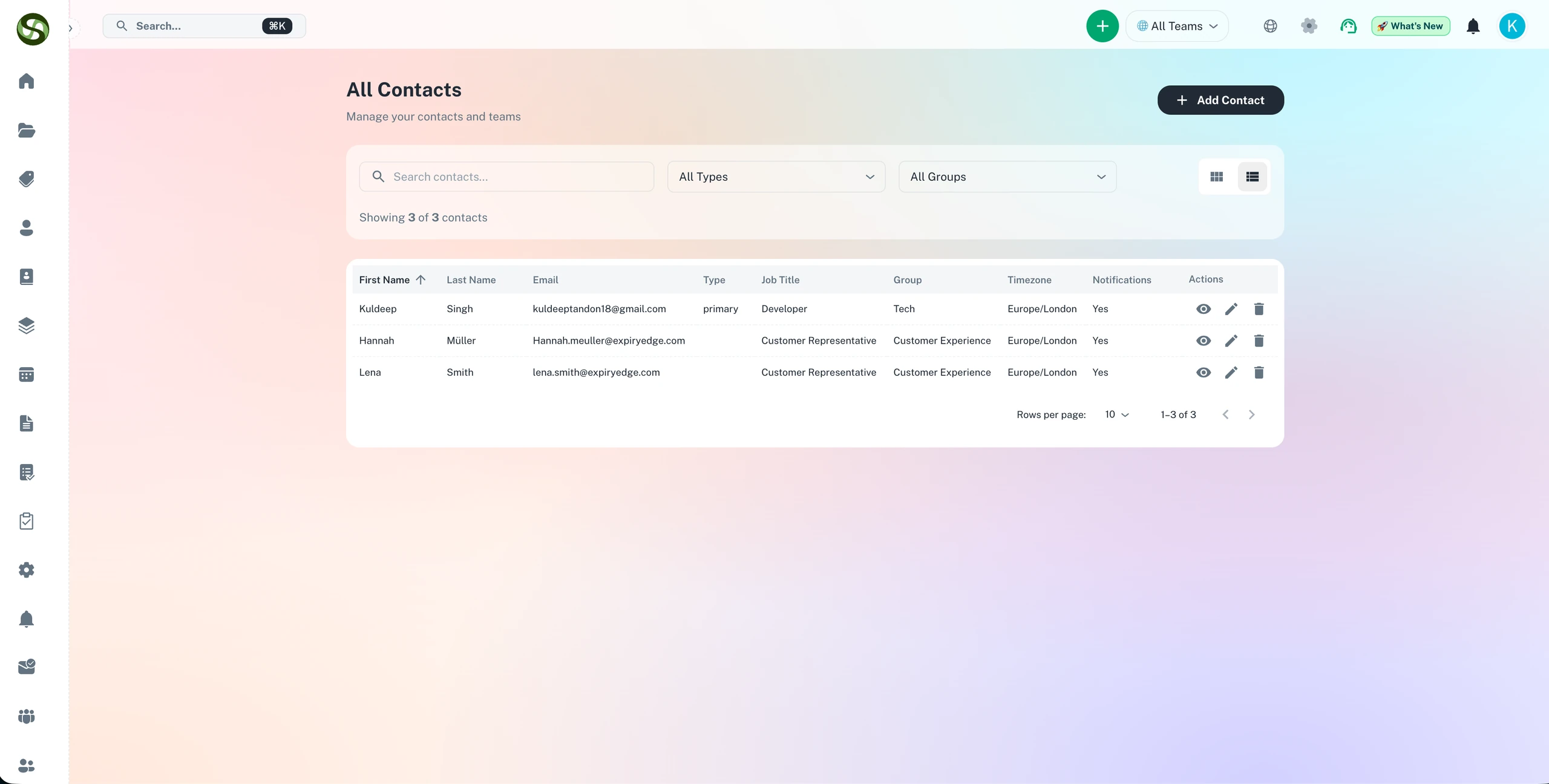
Compliance-Warnungen per E-Mail, SMS, Slack, WhatsApp und Microsoft Teams versenden
E-Mail- & SMS-Warnungen
Slack- & Teams-Benachrichtigungen
WhatsApp Business-Warnungen
Individuelle Benachrichtigungsregeln
Multi-Channel-Benachrichtigungen Funktionen
Alles, was Sie brauchen, um Ihre Abläufe zu optimieren und produktiver zu arbeiten
E-Mail-Benachrichtigungen
Professionelle E-Mail-Erinnerungen mit anpassbaren Vorlagen. Fügen Sie alle Fristendetails, angehängte Dokumente und Aktionslinks hinzu.
SMS-Textwarnungen
Sofortige Textnachrichtenbenachrichtigungen für dringende Fristen. Erreichen Sie Teammitglieder auch wenn sie nicht am Schreibtisch sind.
Slack-Integration
Senden Sie Erinnerungen direkt an Slack-Kanäle oder Direktnachrichten. Halten Sie Ihr Team dort informiert, wo sie bereits zusammenarbeiten.
Microsoft Teams
Push-Benachrichtigungen an Teams-Kanäle und individuelle Chats. Nahtlose Integration in Ihr Microsoft-Ökosystem.
WhatsApp Business
Erreichen Sie globale Teams mit WhatsApp-Benachrichtigungen. Perfekt für internationale Organisationen und mobile Teams.
Intelligente Routing-Regeln
Konfigurieren Sie verschiedene Benachrichtigungskanäle basierend auf Dringlichkeit, Fristentyp oder Teammitgliederpräferenzen.
Warum Multi-Channel-Benachrichtigungen?
Echte Vorteile mit messbarem Ergebnis für Ihr Unternehmen
Verpassen Sie nie kritische Fristen
Mehrere Benachrichtigungskanäle stellen sicher, dass Sie immer informiert sind, selbst wenn Sie eine Benachrichtigung verpassen.
Erreichen Sie Teams, wo sie arbeiten
Keine Notwendigkeit, eine weitere App zu überprüfen. Benachrichtigungen kommen in den Tools an, die Ihr Team täglich verwendet.
Anpassbare Alarmierungspläne
Legen Sie unterschiedliche Benachrichtigungszeiten für jeden Kanal fest. E-Mail für Frühwarnungen, SMS für dringende Warnungen.
Reduzieren Sie Benachrichtigungsmüdigkeit
Intelligente Benachrichtigungsregeln verhindern Spam, während wichtige Warnungen durchkommen.
Wer nutzt Multi-Channel-Benachrichtigungen?
Entwickelt für Teams und Unternehmen aller Branchen
Dringende Compliance-Fristen
Senden Sie SMS-Warnungen für kritische Compliance-Fristen, die sofortiges Handeln erfordern.
Team-Zusammenarbeit
Halten Sie ganze Teams über Slack- oder Teams-Kanäle für gemeinsame Verantwortlichkeiten informiert.
Globale Operationen
Erreichen Sie internationale Teammitglieder über WhatsApp, die weltweit beliebteste Messaging-Plattform.
Mobile Belegschaft
SMS und WhatsApp stellen sicher, dass Außendienstteams Benachrichtigungen ohne E-Mail-Zugang erhalten.
Benachrichtigungen nach Dienstschluss
Konfigurieren Sie Eskalationsregeln, die zuerst E-Mail versuchen, dann SMS bei fehlender Antwort.
Genehmigungs-Workflows
Senden Sie Genehmigungsanfragen über mehrere Kanäle für schnellere Reaktionszeiten.
Häufig gestellte Fragen
Alles, was Sie wissen müssen. Antwort nicht dabei? Unser Support-Team hilft gerne weiter.
ExpiryEdge unterstützt sechs Benachrichtigungskanäle: gebrandete E-Mails, SMS (weltweiter Versand an jede Telefonnummer), WhatsApp Business, Slack, Microsoft Teams sowie API/Webhooks für individuelle Integrationen. Jede Erinnerung lässt sich auf einen oder mehrere Kanäle konfigurieren - mit unterschiedlichen Kanälen für unterschiedliche Empfänger oder Phasen der Erinnerungssequenz.
Sie konfigurieren die Kanalpräferenzen pro Empfänger oder pro Fristtyp. Ein Teammitglied erhält Benachrichtigungen vielleicht über Slack, ein anderes per SMS, ein drittes per E-Mail. Für Außendienstteams, die selten E-Mails prüfen, sind SMS oder WhatsApp die wirksamsten Kanäle. ExpiryEdge leitet jede Benachrichtigung an den passenden Kanal für jede Person.
Ja. Für kritische Erinnerungen können Sie eine Zustellung über mehrere Kanäle gleichzeitig konfigurieren - zum Beispiel eine Slack-Nachricht und eine SMS zur selben Zeit. Das ist besonders bei dringenden letzten Erinnerungen nützlich, wenn Sie die Wahrscheinlichkeit maximieren wollen, dass der Empfänger sofort handelt.
Ja. ExpiryEdge verfolgt die Zustellung und bei E-Mails auch den Öffnungsstatus. Sie sehen, welche Erinnerungen verschickt, welche zugestellt und - bei E-Mail - welche geöffnet wurden. Reagiert ein Empfänger über einen bestimmten Kanal dauerhaft nicht auf Benachrichtigungen, wechseln Sie für diese Person einfach zu einem wirksameren Kanal.
Über API und Webhooks lösen Sie beliebige externe Workflows aus, sobald sich eine Compliance-Frist nähert. Sie können ein JIRA-Ticket anlegen, eine Nachricht an einen eigenen Slack-Bot senden, einen ServiceNow-Datensatz aktualisieren oder einen Workflow in Ihrem ERP-System auslösen. Webhooks feuern automatisch anhand der von Ihnen konfigurierten Auslösebedingungen - ganz ohne manuellen Eingriff.
Bereit loszulegen?
Schließen Sie sich tausenden Teams an, die mit ExpiryEdge ihre Abläufe organisieren